Your Quick Search:
"Fitting Override"
Software:
Total results: 76 (Closest matches are returned first)
Page:
* On smaller devices swipe left to view hidden table data
| Ribbon/Toolbar (software) | Button | Function | Error Type | Message | ||
|---|---|---|---|---|---|---|
| Ribbon/Toolbar (software) | Button | Function | Error Type | Message | ||
| Card 435 View | Listing (AutoCAD Based) | Override Fitting | None | None | When trying to open the Overrides dialog box, you get this error;
Error: bad argument type: stringp nil |
|
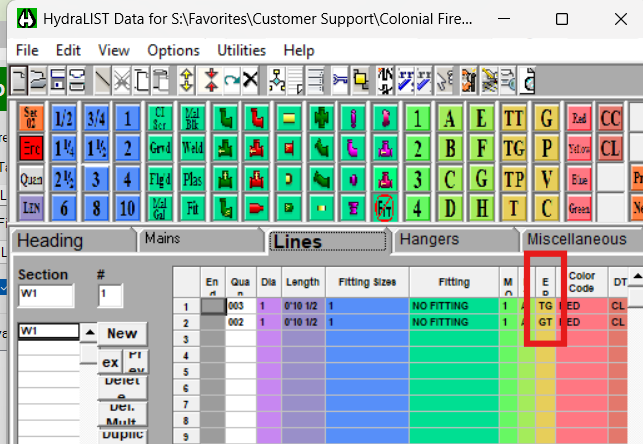
| Card 1482 View | HydraLIST (Revit Based) | Auto Stocklist | None | None | Flex Pipes on Armovers list as TG pipes instead of TT |
|
| Card 1478 View | View (Revit Based) | Floor Plan | None | None |
Pipe fittings in certain views were grayed out and could not be selected, making it impossible to edit or work with them. |
|
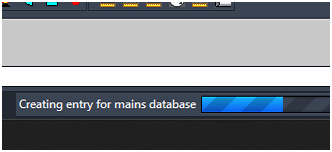
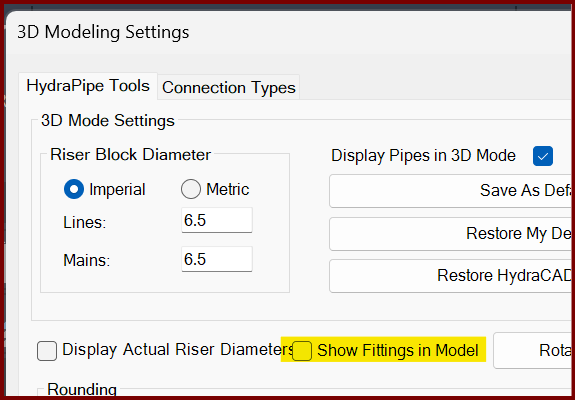
| Card 1472 View | 3D Modeling (AutoCAD Based) | Show Fittings | None | Freezes | When raising to 3D, the drawing hangs. On the progress bar at the bottom, it may be stuck at, "Creating entry for mains database"
If you turn off the Show Fittings in Model option found in the 3D Modeling Settings window (3MO command), it likely will create a model.
The only option is to End Task AutoCAD to stop the process. |
|
| Card 71 View | Calculations (AutoCAD Based) | Start Autocalcs | None | None | When starting AutoCALC, it stops in the v50 Fuel Gauge at step 1a.4 - Calculating Total Lengths. Working on the pipe from node #### to node #### with a fitting string of ...
May be followed by a Runtime Error 13 or Runtime Error 5 |
|
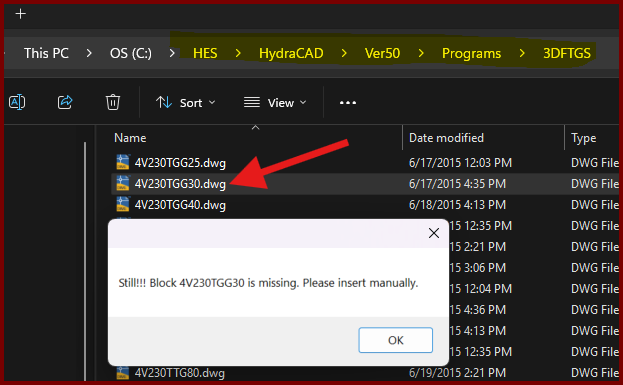
| Card 1437 View | Build 3D Risers (AutoCAD Based) | Insert Fitting Via Parts Tree | None | Block Is Missing | When trying to insert a valve type fitting from the parts tree, you get the error; Still!!! Block ### is missing. Please insert manually.
However checking the database for the drawing file shows it exists. |
|
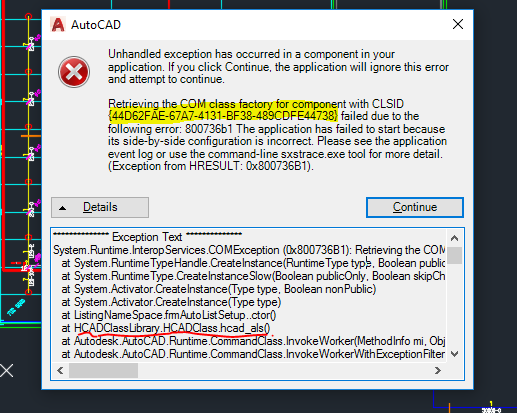
| Card 864 View | Launching HydraCAD (AutoCAD Based) | None | None | Unhandled Exception | When Opening HydraCAD or trying to list a drawing, you recieve any Error containing the following CLSID: 44D62FAE-67A7-4131-BF38-489CDFE44738
Or any of the following HRESULT error numbers: 0x800736B1
0x80040154
0x80070002
0x80080005
0x80029C4A TYPE_E_CANTLOADLIBRARY
|
|
| Card 803 View | 3D Modeling (AutoCAD Based) | Show System Model | None | Fatal Error | When attempting to 'Show Fittings' (SHF command), user gets an AutoCAD Fatal Error. Create 3D Model causes a fatal error
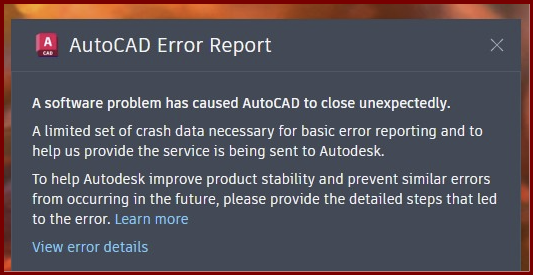
Or no error at all. Autocad freezes then crashes without an error other than the AutoCAD Error Report
A software problem has caused AutoCAD to close unexpectedly |
|
| Card 1191 View | Listing (AutoCAD Based) | Start Autolist | None | Fatal Error | When attempting to 'Start AutoLIST' (SAL command), user gets an AutoCAD Fatal Error.
Or no error at all. Autocad freezes then crashes without an error other than the AutoCAD Error Report
A software problem has caused AutoCAD to close unexpectedly
|
|
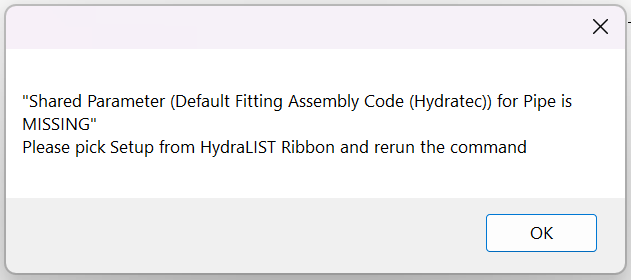
| Card 1439 View | HydraLIST (Revit Based) | Auto Stocklist | None | None | Shared Parameter (Default Fitting Assembly Code (Hydratec)) for Pipe is MISSING
|
|
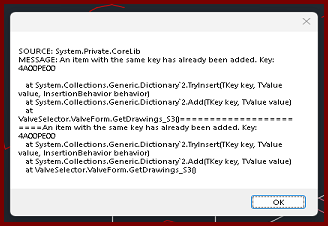
| Card 1444 View | Build 3D Risers (AutoCAD Based) | Insert Via Valve Selector | None | None | When selecting Valve Selector in the 3D Fittings window, you get the error message; SOURCE: System.Private.CoreLib MESSAGE: An item with the same key has already been added. Key:
|
|
| Card 92 View | Calculations (AutoCAD Based) | Start Autocalcs | None | None | Step 1a.3 - Fitting Exchange No replacement fitting name for 22E for Sched-10 Note: This could be any fitting or pipe type described in the error. If you click ok at each error, the process will run through without these fittings |
|
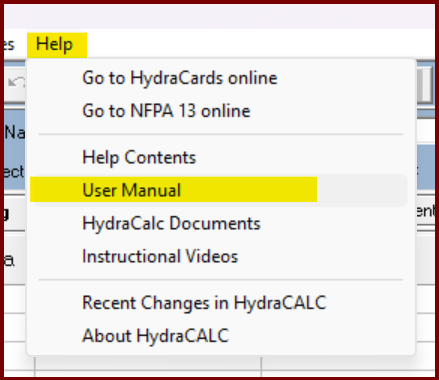
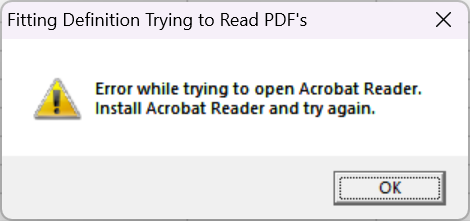
| Card 1430 View | HydraCALC (Standalone) | Help | None | None | When selecting the menu [Help|User Manual], you get the error message; Fitting Definition Trying to Read PDF's Error while trying to open Acrobat Reader. Install Acrobat Reader and try again.
|
|
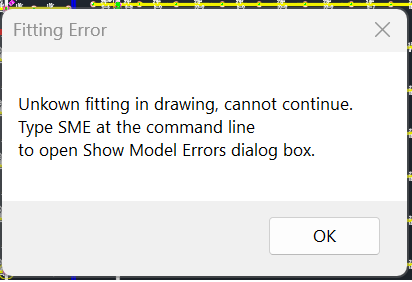
| Card 41 View | Calculations (AutoCAD Based) | Start Autocalcs | None | None | Unkown (sic) Unknown fitting in drawing, cannot continue Type SME at the command line to open 'Show Model Errors' dialog box
|
|
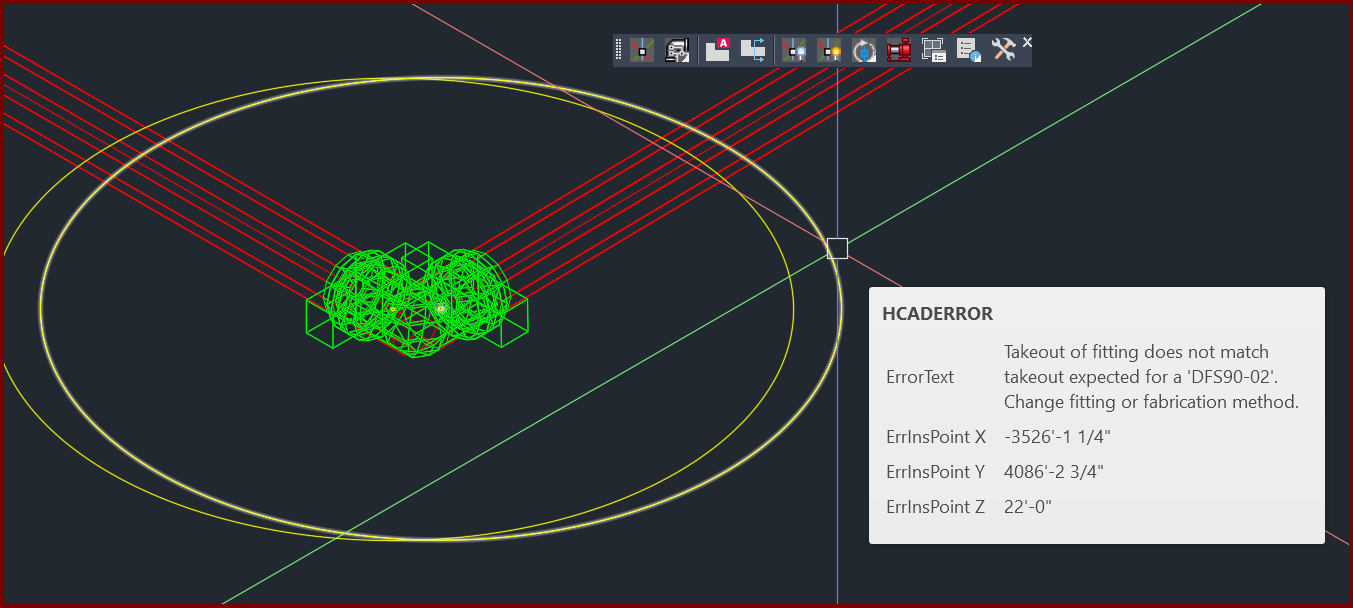
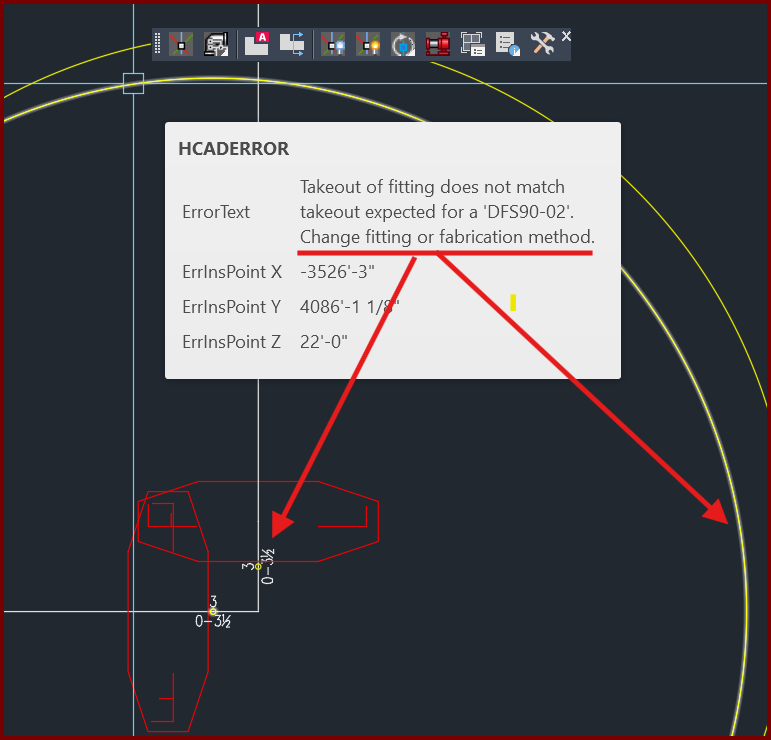
| Card 1420 View | 3D Modeling (AutoCAD Based) | 3D Modeling Options | None | Takeout Of Fitting Does Not Match | When raising to 3D (S3D command), you get a yellow circle with the message "Takeout of fitting does not match takeout expected for a "??????". Change fitting of fabrication method"
|
|
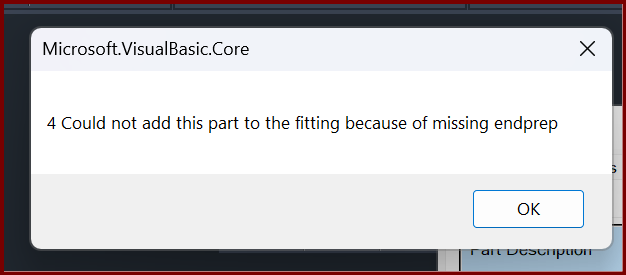
| Card 1419 View | Build 3D Risers (AutoCAD Based) | Insert Fitting Via Parts Tree | None | Internal Error | When trying to insert a specific fitting, you get the error Could not add this part to the fitting because of missing endprep
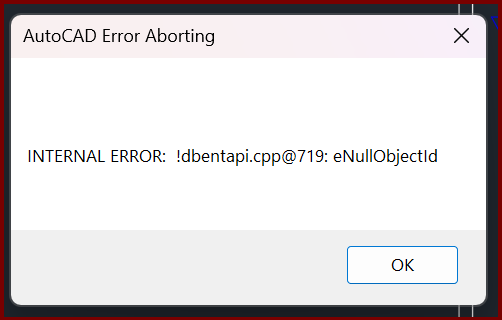
then; AutoCAD Error Aborting INTERNAL ERROR: !dbentapi.cpp@719: eNullObjectld
|
|
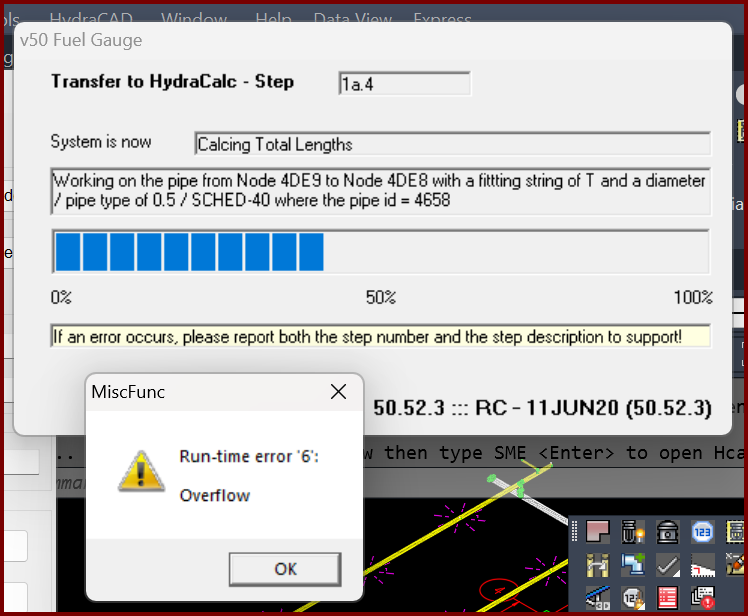
| Card 1399 View | Calculations (AutoCAD Based) | Start Autocalcs | None | Runtime 6 | When starting AutoCALC the v50 Fuel Gauge stops at step 1a.4 plus you get a Run-time error 6; Overflow
Working on pipe from Node ### to Node ### with a fitting of "?" and a diameter of / pipe type of 0.5 / SCHED-40 where the pipe id = ### The "####" values represent handles. It is recommended you use the FINDME tool to find the coordinates of the handles, this will help narrow down the cause of the error. May also see a Runtime Error 5, "invalid procedure" |
|
| Card 1081 View | 3D Modeling (AutoCAD Based) | Show System Model | None | Please Switch To System Model | When attempting to create a 3D model, you get the error; Please switch to System Model to Annotate Drops and Sprigs plus System.NullReferenceException: Object reference not set to an instance of an object at HCADexports.RevitConversion.create_hydrapipes_from_db() at HCADexports.RevitConversion.create_hydrafittings_from_db(List'1 pipes, List'1 heads)
|
|
| Card 1393 View | Sprinklers (AutoCAD Based) | FSC Setup | None | None | When running the "FSC Setup" to "Create FSC Definition".
|
|
| Card 1383 View | HydraCAD (Revit Based) | Delete Pipe | None | None | Unable to select a pipe or fitting when trying to use the Delete Pipe tool. |
|
Page: