Need to save a card for later?
Create a bookmark folder in your browser of choice (Chrome, Firefox...), and save individual cards in your bookmarks to view here later.

Revit Based HydraLIST (Ribbon/Toolbar/Location)
Description:
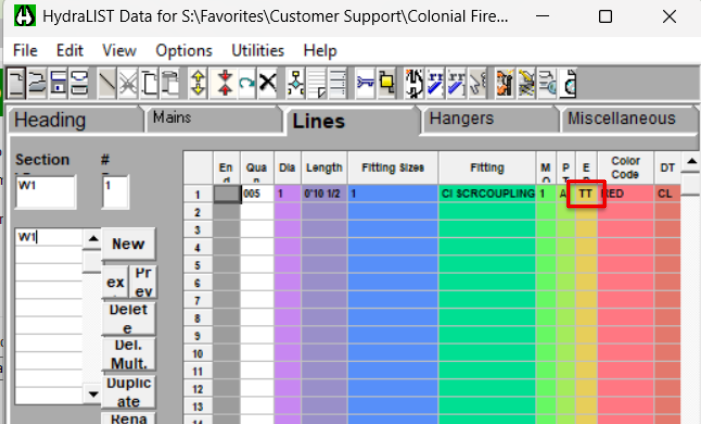
Flex Pipes on Armovers list as TG pipes instead of TT 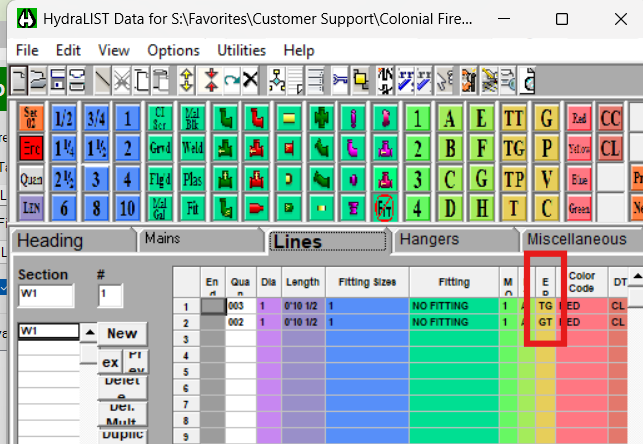
The Screwed coupling used by the flex pipe family does not have a Default Fitting Assembly Code associated with it.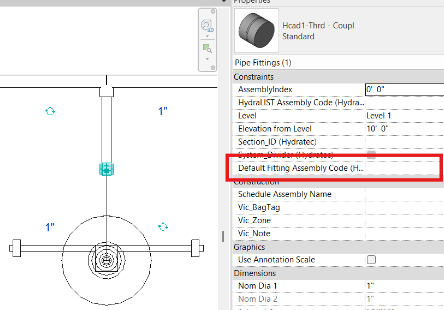
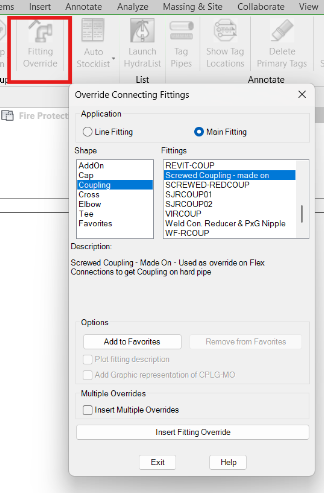
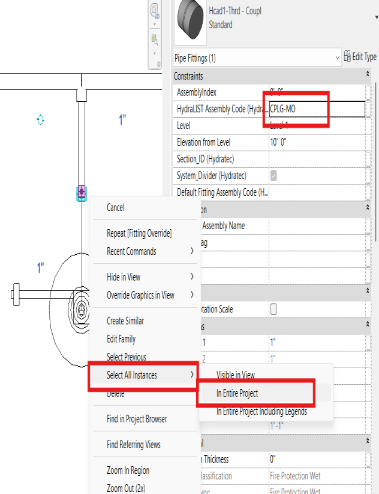
Afterwards, they should now be correctly represented as TT (thread-thread) in HydraLIST