All Cards
Page:
* On smaller devices swipe left to view hidden table data
| Ribbon/Toolbar (Software) | Button | Function | Error Type | Description | ||
|---|---|---|---|---|---|---|
| Ribbon/Toolbar (Software) | Button | Function | Error Type | Description | ||
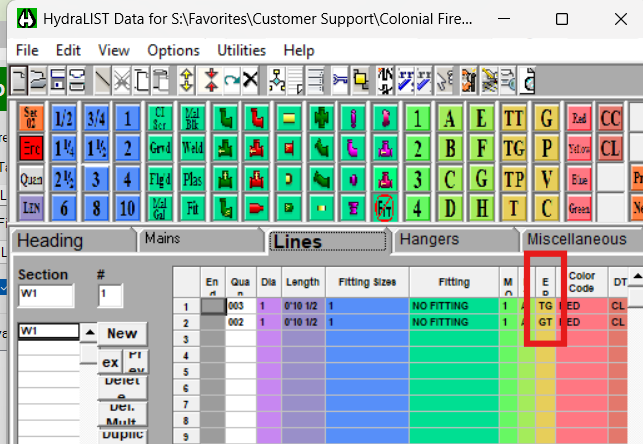
| Card 1482 View | HydraLIST (Revit Based) | Auto Stocklist | None | None | Flex Pipes on Armovers list as TG pipes instead of TT |
|
| Card 1481 View | HydraCALC Sizer (Standalone) | None | None | None | If experiencing an issue with HydraCalc Sizer please contact support at: |
|
| Card 1480 View | Hydratec Authorization Manager (HAM) (Security and Licensing) | None | None | None | If experiencing an issue with your license please contact support at: |
|
| Card 1479 View | Hardware Lock (Security and Licensing) | None | None | None | If experiencing an issue with your physical hardware lock please contact support at: |
|
| Card 1478 View | View (Revit Based) | Floor Plan | None | None |
Pipe fittings in certain views were grayed out and could not be selected, making it impossible to edit or work with them. |
|
| Card 1477 View | Launching HydraCAD (AutoCAD Based) | None | None | None | Windows 11 Smart App Control is blocking HCADLoader.arx because Windows says it cannot confirm who published the file. HydraCAD then gives Security Error and fails to load its functions. |
|
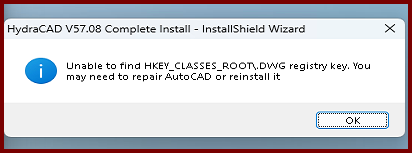
| Card 1476 View | Installation (AutoCAD Based) | None | None | None | During the HydraCAD install, you get an error saying, "InstallShield Wizard - Unable to find HKEY_CLASSES_ROOT\.DWG registry key. You may need to repair AutoCAD or reinstall it
|
|
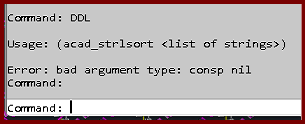
| Card 1475 View | Display (AutoCAD Based) | None | None | Bad Argument | Trying the DDL command gives the error; Usage: (acad_strlsort <list of strings>) Error bad argument type: consp nil
|
|
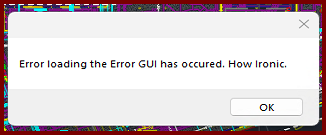
| Card 1474 View | 3D Modeling (AutoCAD Based) | S3D - Raise to 3D | None | Error During Load | When raising to 3D, you get the error message, "Error loading the Error GUI has occurred. How ironic."
The drawing will raise to 3D, but you won't see the error dialog window. Trying the Show Model Errors command (SME) produces the same error |
|
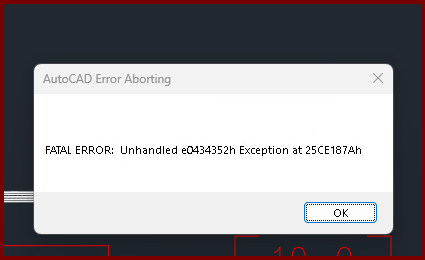
| Card 1473 View | Listing (AutoCAD Based) | Start Autolist | Freezes | Crash | When the OK button is clicked from the AutoLIST Setup window, it'll either hang/freeze or crash with a Fatal Error
Unhandled e0434352h Exception at 25CE17Ah |
|
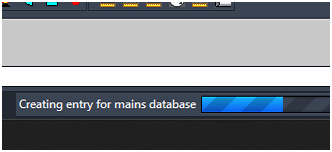
| Card 1472 View | 3D Modeling (AutoCAD Based) | Show Fittings | None | Freezes | When raising to 3D, the drawing hangs. On the progress bar at the bottom, it may be stuck at, "Creating entry for mains database"
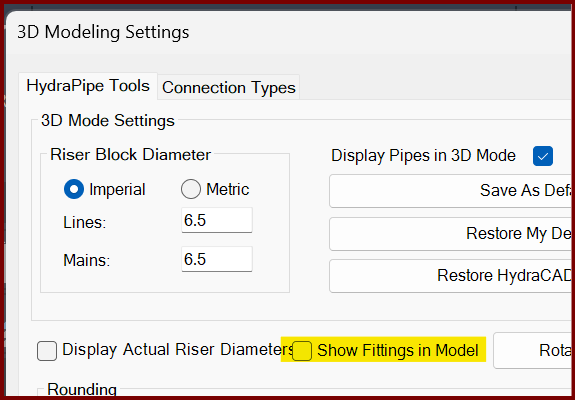
If you turn off the Show Fittings in Model option found in the 3D Modeling Settings window (3MO command), it likely will create a model.
The only option is to End Task AutoCAD to stop the process. |
|
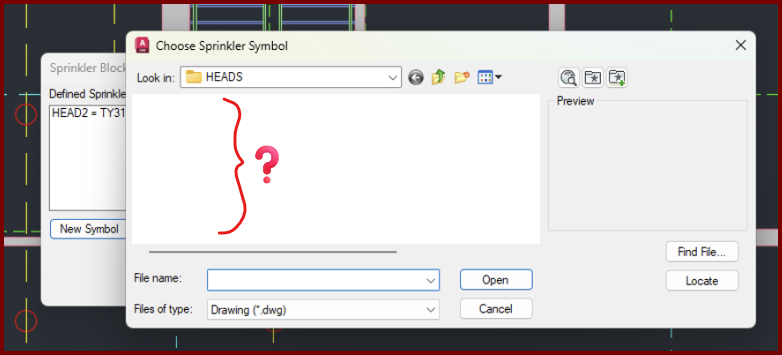
| Card 1471 View | Sprinklers (AutoCAD Based) | Select Sprinkler | Choose Head Symbol | Crash | When setting up a new head, the dialog that displays the head symbols to be selected appears, is empty, and then drawing crashes,
|
|
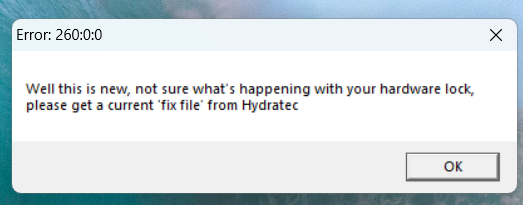
| Card 1470 View | HydraCALC Sizer (Standalone) | Open | None | Security Error | When attempting to open HydraCALC Sizer, you get this error;
Error:260:0:0 "Well this is new, not sure what's happening with your hardware lock, please get a current 'fix file' from Hydratec" |
|
| Card 1469 View | Piping (AutoCAD Based) | Define Pipe Elevations | None | Unhandled Exception | Error occurs when using some commands. Autodesk has released AutoCAD 2025.1.4 & 2026.1.2 updates which breaks HydraCAD. It includes a major programming change by Autodesk that will require a lot of work and a large update by us. That update is being worked on right now, along with a version of HydraCAD for AutoCAD 2027. All are now affected by essentially the same programming change. BinaryFormatter serialization and deserialization are disabled within this application. See https://aka.ms/binaryformatter for more information. Other commands with this error; Sprinkler Layout dialog (SL command) Default Dialog Location (DDL command) |
|
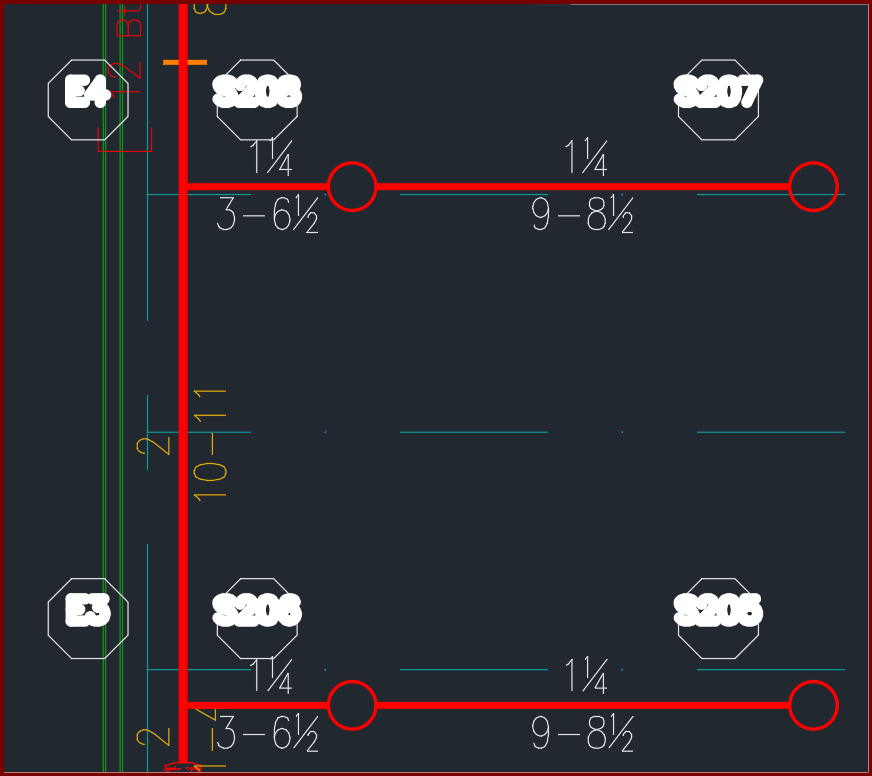
| Card 1468 View | Calculations (AutoCAD Based) | Reference Points | None | None | When viewing a plot, hydraulic reference points in the HYD2 layer have thick text. Editing lineweights for the layer does not make a difference.
|
|
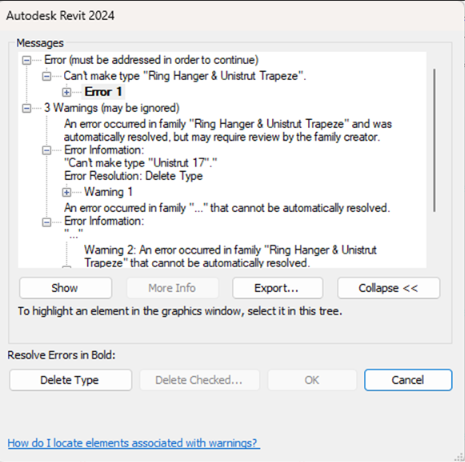
| Card 1467 View | HydraCAD (Revit Based) | Hangers | Pick ... | Can't Make Type | Error occurs when tying to select any option in the Hangers button
|
|
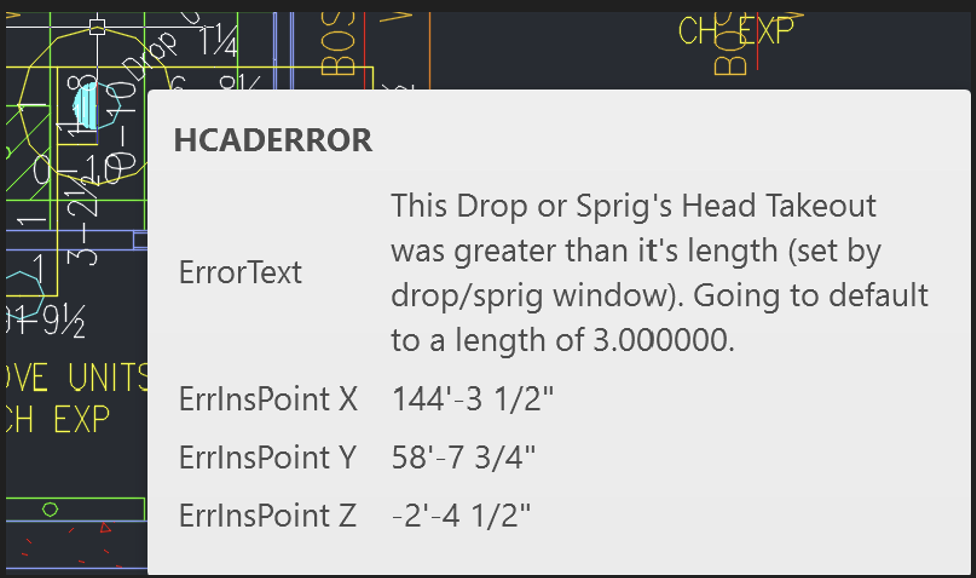
| Card 1466 View | 3D Modeling (AutoCAD Based) | None | None | None | Using negative floor elevations and drop windows with specified lengths, drops give a warning that takeout was greater than it's length, when going to 3D.
|
|
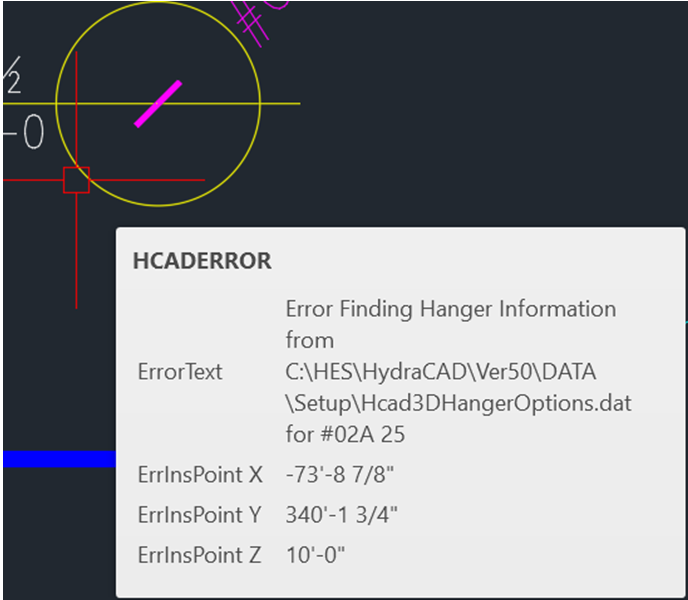
| Card 1465 View | Hangers (AutoCAD Based) | Create 3D Hangers | None | None | Error Finding Hanger Information when generating 3D Hangers
|
|
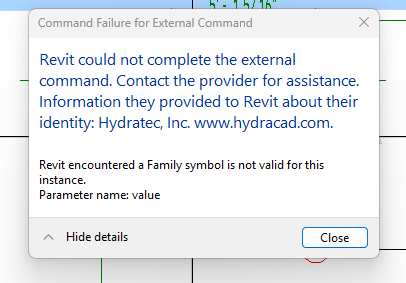
| Card 1464 View | HydraCAD (Revit Based) | Spacing and Layout | Insert Sprinklers | Command Failure For External Command | Revit could not complete the external command... Family symbol is not valid for this instance
|
|
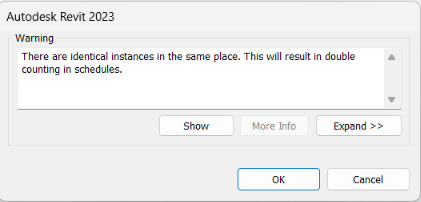
| Card 1463 View | HydraCAD (Revit Based) | Hangers | None | There Are Identical Instances In The Same Place. | When trying to place a hanger you get this warning. "There are identical instances in the same place. This will result in double counting in schedules."
|
|
Page: