Need to save a card for later?
Create a bookmark folder in your browser of choice (Chrome, Firefox...), and save individual cards in your bookmarks to view here later.

AutoCAD Based Pretty Pipes (Ribbon/Toolbar/Location)
Description:
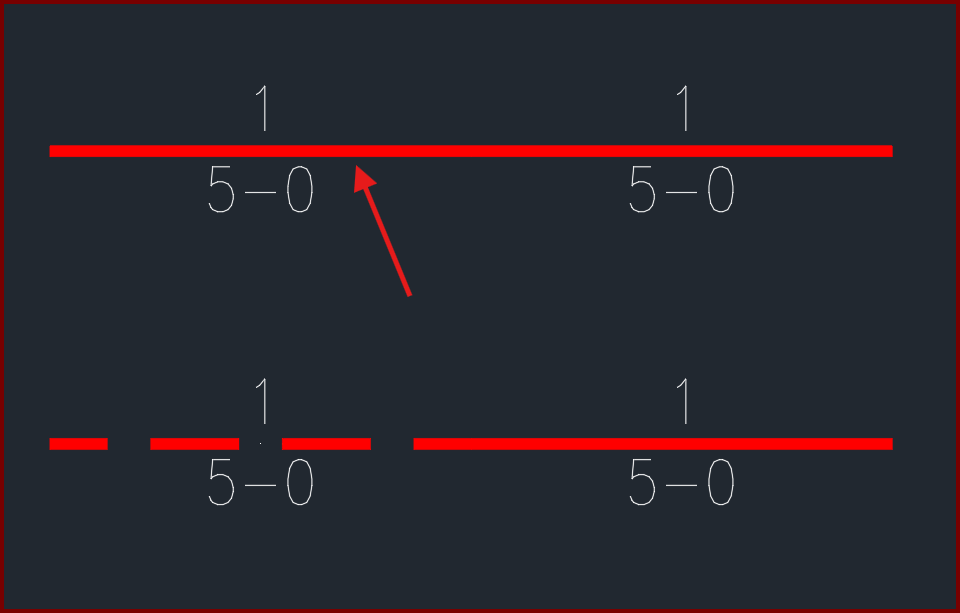
After setting specific linetypes for your piping, pretty pipes doesn't match the linetype of your pipe.
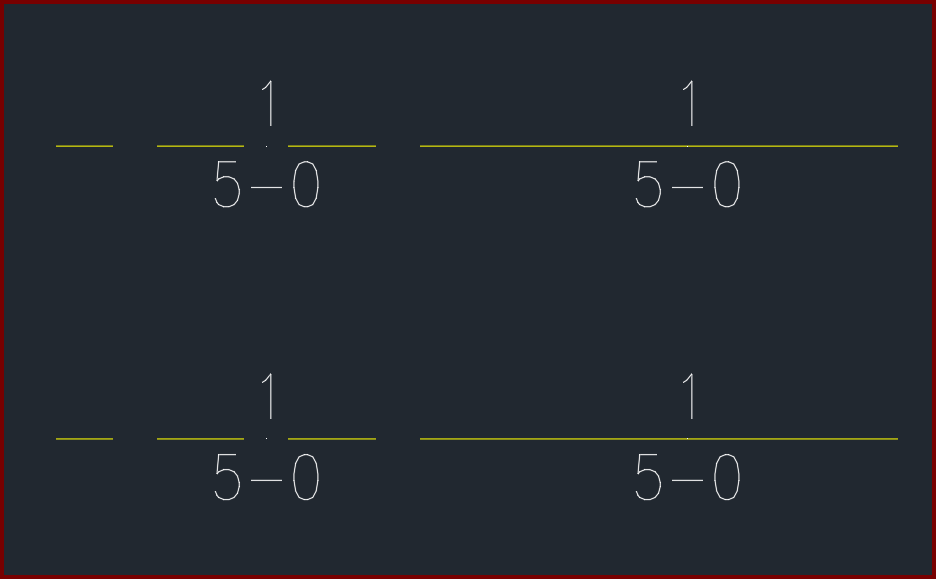
The pipe noted should show a HIDDEN pretty pipe, similar to the one below it
Various variables not set correctly in Model Space
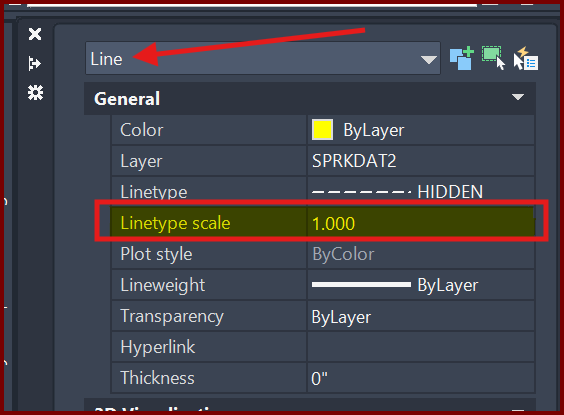
Type the following commands in the command prompt and set its value to match what's shown.
LTSCALE = 75 (line type scale)
CELTSCALE = 1 (current object's scale)
PSLTSCALE = 1 (paper space line type scale)
If it doesn't automatically update, type REGENALL to refresh your drawing.
*NOTE* If CELTSCALE was not set to 1, you will have to redraw the object (in the case of a pipe), change its properties, or re-run Pretty Pipes (in the case of the plines).