Need to save a card for later?
Create a bookmark folder in your browser of choice (Chrome, Firefox...), and save individual cards in your bookmarks to view here later.

AutoCAD Based Piping (Ribbon/Toolbar/Location)
Description:
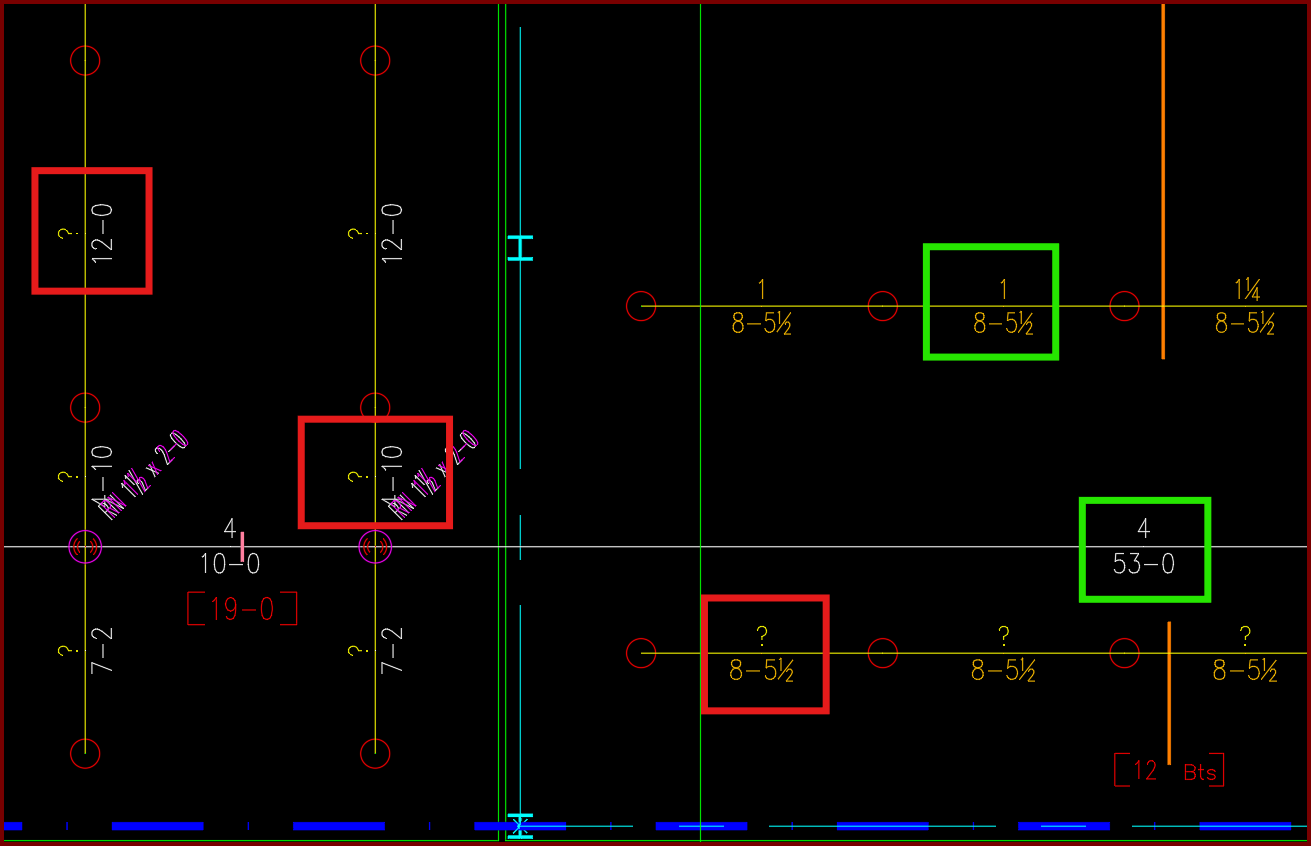
Have AutoCAD select a group of pipe dimension blocks with a specific diameter or length.
In this example I want to find and delete all diameters with a ?" as its value.
See Solution -->
1. Select a dimension with the value you want to collect by clicking it and exposing its grips

2. At the command prompt type COUNT <enter> and either press <enter> again or type C <enter> to choose 'current area'

3. You will see every PIPEX block on the drawing get selected
4. At the top of the screen the Count toolbox will appear, select the blue information button, check the option for DIA. This will select only diameters with a ?" value
Select the green 'Select Counted' button to create a selection set of the pipe dimension blocks which match your requirements

5a. Press the <DELETE> key to erase the selected objects.
5b. Or you can use other AutoCAD commands based on your intended tasks...
For instance, this is what will happen if you use the MOVE command instead of ERASE.
