Need to save a card for later?
Create a bookmark folder in your browser of choice (Chrome, Firefox...), and save individual cards in your bookmarks to view here later.

Revit Based HydraCAD (Ribbon/Toolbar/Location)
Description:
When trying to Import from the latest Toolbox, the toolbox does not load properly causing Revit to hang, and you cannot close the window.
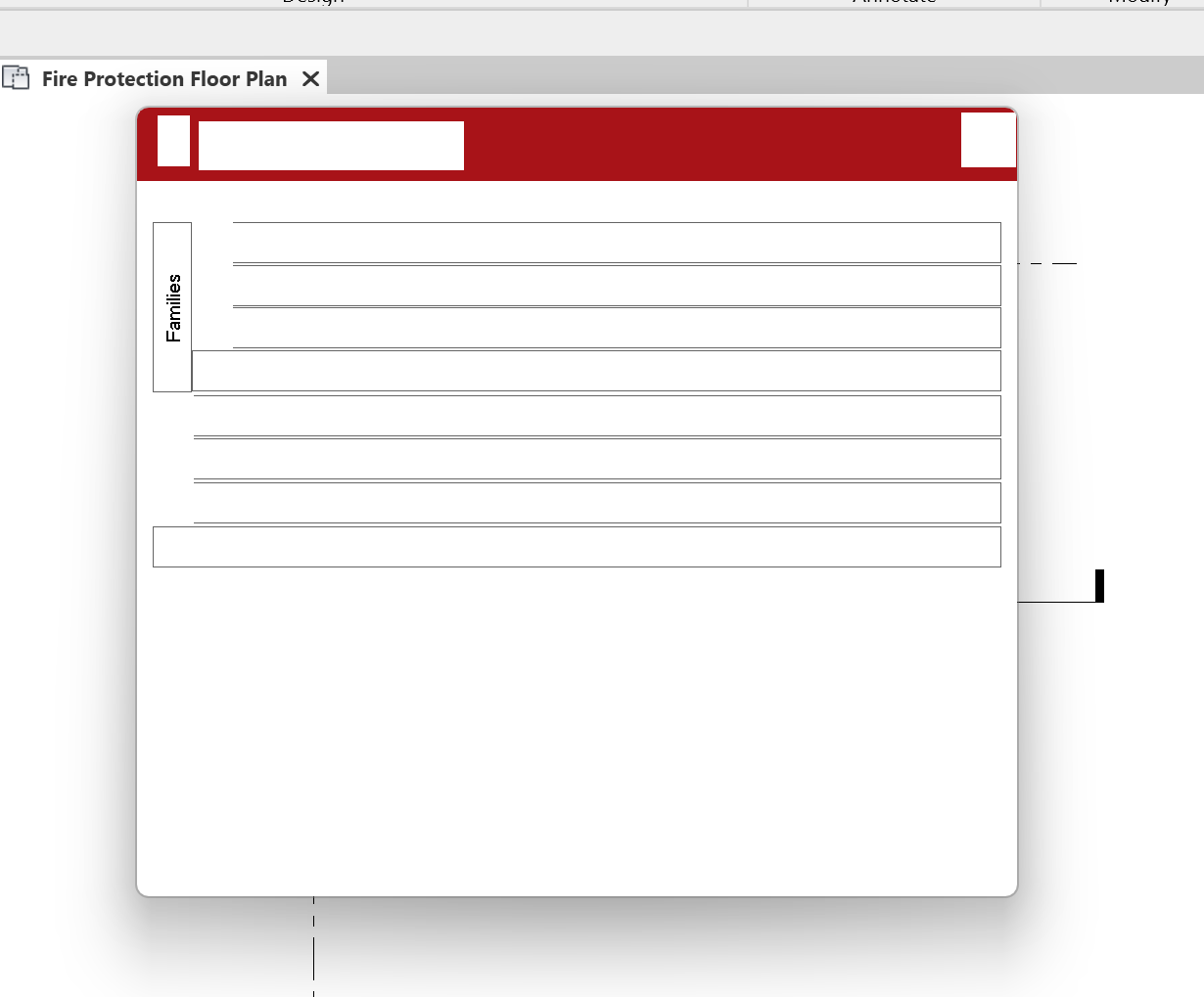
We are still investigating the cause, but in the case it was encountered so far - the computer had many programs open, likely too many processes vying for the same memory space.
Press the Control, Alt and Delete key at the same time, select Task Manager and close Revit.
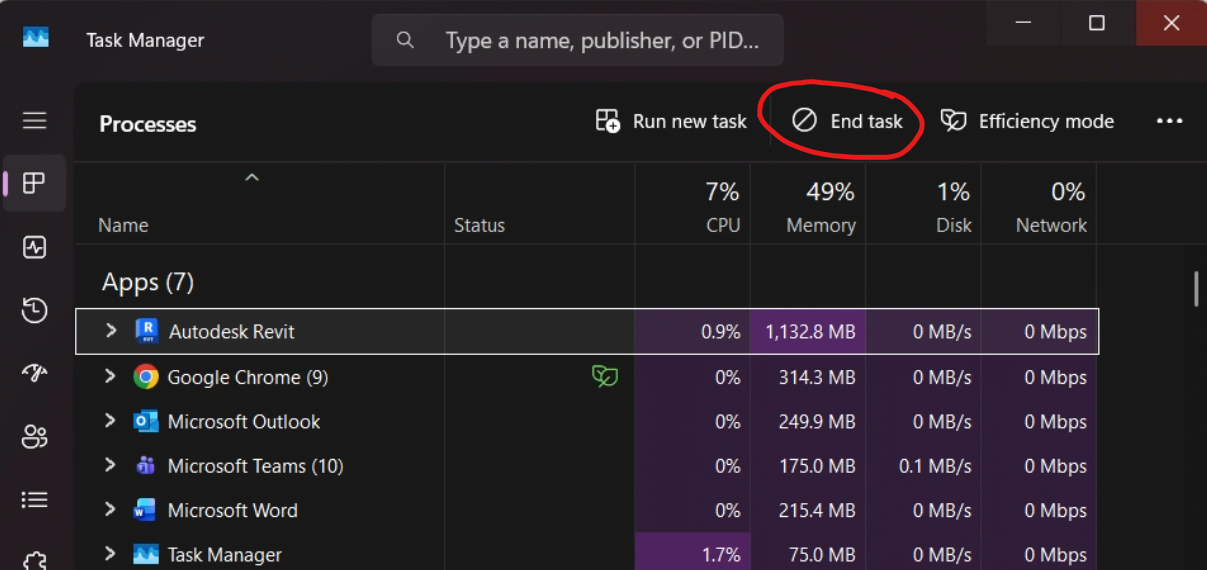
Please be aware that closing Revit will likely not save your work, and if you continue to have issues with loading the Revit toolbox / your computer acting slow, a computer reboot / restart may be recommended as well.