Need to save a card for later?
Create a bookmark folder in your browser of choice (Chrome, Firefox...), and save individual cards in your bookmarks to view here later.

AutoCAD Based Sprinklers (Ribbon/Toolbar/Location)
Description:
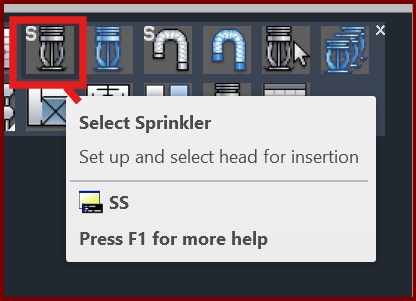
When attempting to Select Sprinkler (SS or SSP command), you get the error;
Point or option keyword required.
Specify insertion point or [Basepoint/Scale/X/Y/Z/Rotate/Explode/REpeat]:
Specify rotation angle <0>:
Then your sprinkler definition box will want to be inserted, rotated and each value set individually
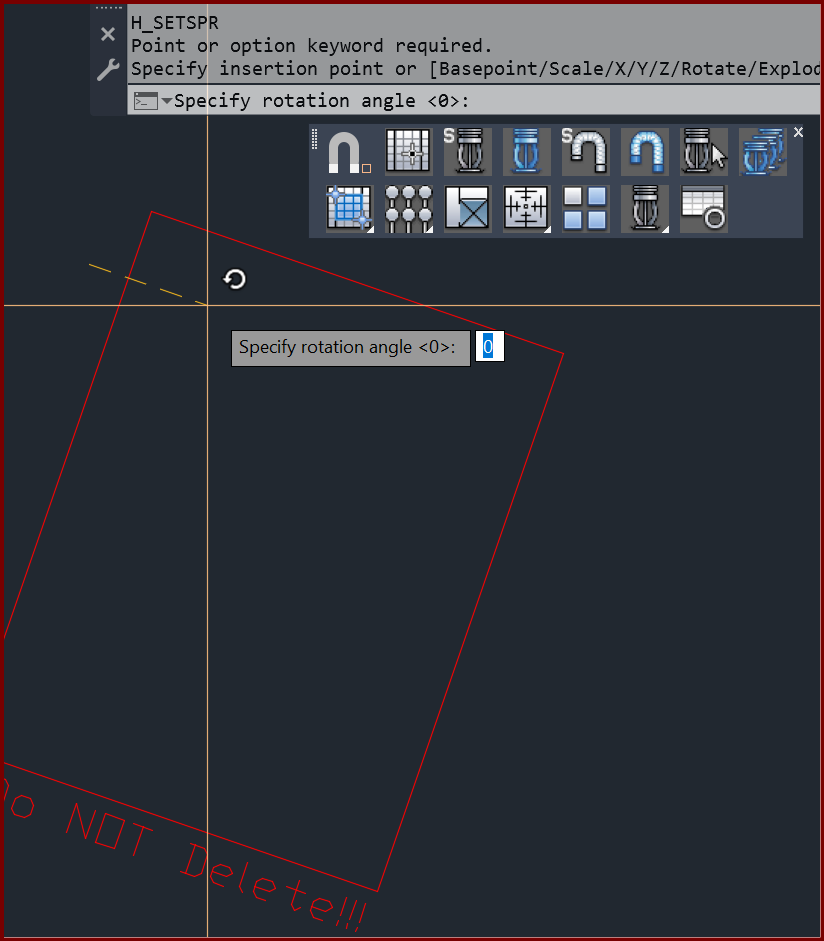
Your sprinkler definition block is corrupt
1. Turn on and unlock the layer ACC1.
2. Search for the blue boxes which define the sprinkler properties. By default they will be near the coordinates (50,450)
3. Use the CB command to find your total count. Erase all of them from the drawing
4. Type PURGE, select the block named 'blkrdef1' and purge it from your drawing.
5. Define a new sprinkler.