Your Quick Search:
"Delete Primary Tags"
Software:
Total results: 41 (Closest matches are returned first)
Page:
* On smaller devices swipe left to view hidden table data
| Ribbon/Toolbar (software) | Button | Function | Error Type | Message | ||
|---|---|---|---|---|---|---|
| Ribbon/Toolbar (software) | Button | Function | Error Type | Message | ||
| Card 1392 View | HydraCAD (Revit Based) | Import from the latest Toolbox | None | None | After attempting to download the Latest Toolbox, a warning appears saying the file cannot be opened.
|
|
| Card 1443 View | HydraLIST (Standalone) | Open | Opening | Runtime Error | Runtime Error 3167. Error message: Record has been deleted |
|
| Card 38 View | HydraCAD (Revit Based) | Spacing and Layout | Opening | Autodesk.Revit.Exceptions.Invalidobjectexception | Using the Sprinkler Spacing and Layout tool: Revit encountered a Autodesk.Revit.Exceptions.InvalidObjectException: The referenced object is not valid, possibly because it has been deleted from the database, or it's creation was undone. |
|
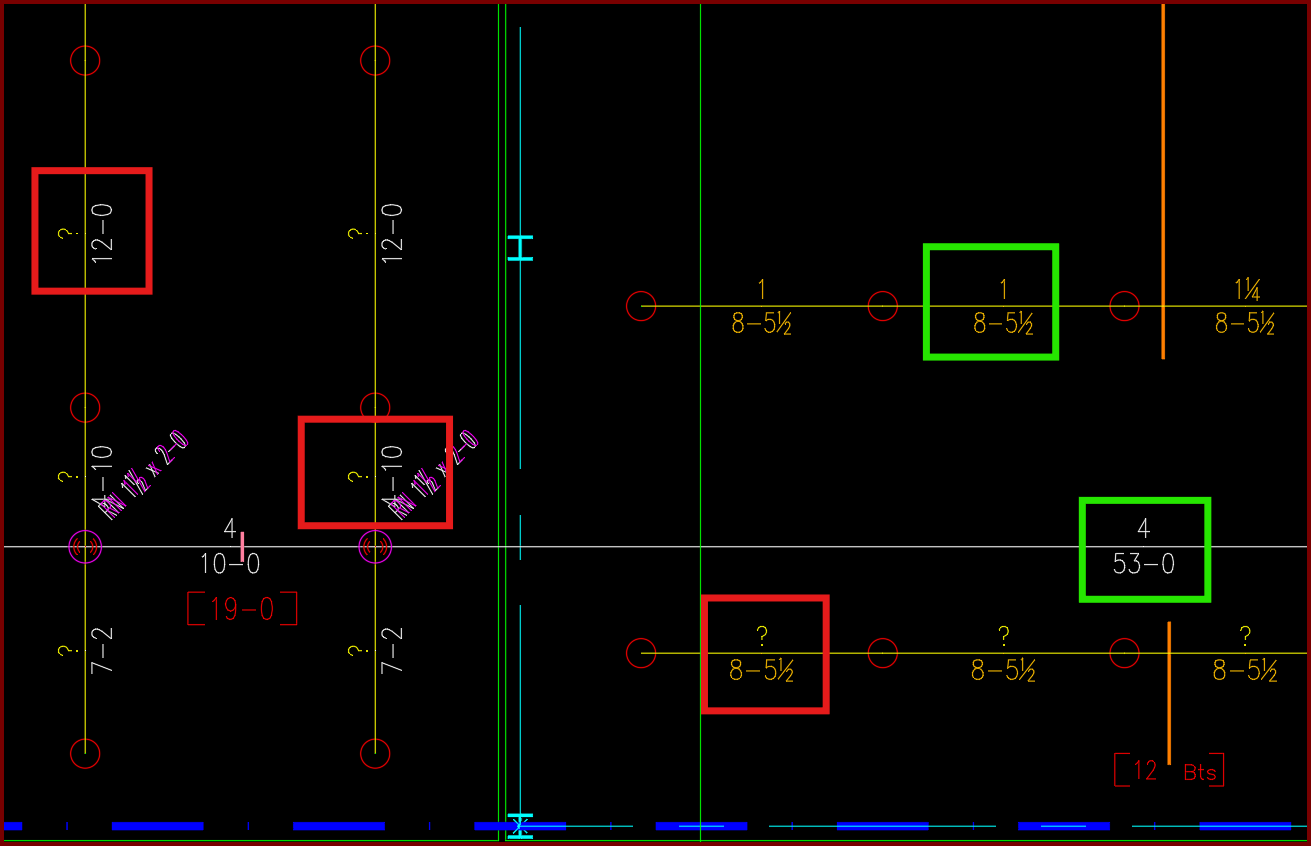
| Card 1440 View | Piping (AutoCAD Based) | Sizing Cleanup Tools | None | Other | Have AutoCAD select a group of pipe dimension blocks with a specific diameter or length. In this example I want to find and delete all diameters with a ?" as its value.
|
|
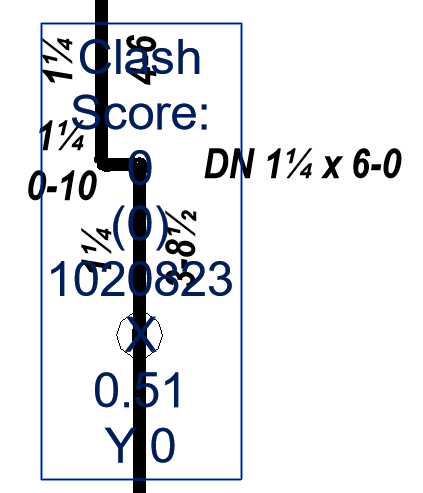
| Card 1346 View | Display (AutoCAD Based) | None | None | None | Line / Main tags are blocking items behind the text / tags are not transparent
|
|
| Card 1166 View | Launching HydraCAD (AutoCAD Based) | Opening | None | Shortcut Error | When trying to open HydraCAD after a recent install, you get this error or one similar to it; "Missing shortcut", Windows is searching for acad.exe. To locate the file yourself, click Browse.
AND Problem with Shortcut - The item 'acad.exe' that this shortcut refers to has been changed or moved, so this shortcut will no longer work properly. Nearest match based on size, date, and type: Do you want to fix this shortcut to point to this target or do you just want to delete it?
|
|
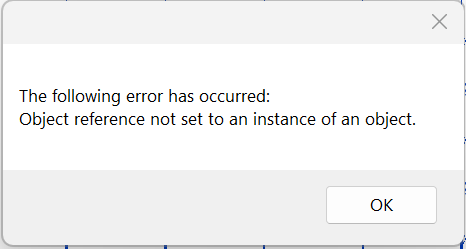
| Card 1425 View | HydraCAD (Revit Based) | Cleanup Tags | None | None | When trying to use Cleanup Tags, this error appears and nothing else happens (i.e. the tags were not cleaned up)
|
|
| Card 1383 View | HydraCAD (Revit Based) | Delete Pipe | None | None | Unable to select a pipe or fitting when trying to use the Delete Pipe tool. |
|
| Card 1377 View | HydraCAD (Revit Based) | Tag Pipes | None | Command Failure For External Command | Revit could not complete the external command... The 3D view ownerDBViewId is not locked
|
|
| Card 708 View | HydraLIST (Standalone) | Process | None | None | 1)This error usually means that the user does not have full access for the folder. Or a lock file already exists and can not be delete. 2) real time virus scan blocking file. 3050 |
|
| Card 660 View | HydraCALC (Standalone) | Calculate | Calculating | Process Error | Primary calc results are shown, and when selecting OK to continue back to the calc input screen, the two messages below are displayed, twice;
"The designated source node was not found in the list of pipes" OK "Calculation failed for an unknown reason" OK Process Error Hydcalc |
|
| Card 533 View | Build 3D Risers (AutoCAD Based) | Viewsection | None | None | The "SECTIONPLANE" command caused various pieces of the 3D Details to disappear. You may be able to delete the SECTION PLANE and have the missing items reappear. n/a n/a Hcad v52+ |
|
| Card 383 View | Calculations (AutoCAD Based) | Start Autocalcs | None | None | New nodes will be inserted with an elevation of 0. The existing node has an existing elevation other than zero, therefore the attributes don't match and it won't delete the previous node. HYD Layer HydraCAD |
|
| Card 923 View | Launching HydraCAD (AutoCAD Based) | None | None | Unable To Load Hcadwin.Mnl | Unable to Load HCADWIN.MNL ARX does not load. HydraCAD functions do not work AutoCAD Options Files tab contains greyed out entries. No entries in the Files tab can be edited, added or deleted |
|
| Card 520 View | 3D Modeling (AutoCAD Based) | Persistent Model | None | None | Possible duplicate Device @ (0,0,0)
There are 3d solids in the drawing that have no geometry. They must be deleted but cannot be selected with a window. Issue can be caused when a 3D Detail fails to be created properly - process creates a footprint at 0,0,0 with no geometry to be seen. Persistent Model |
|
| Card 167 View | Listing (AutoCAD Based) | Start Autolist | None | None | Some threaded branch lines are not being tagged automatically as expected. Automatic Line Tags are missing after running AutoLIST. none |
|
| Card 381 View | Listing (AutoCAD Based) | New Tag | None | None | ??? Error when picking NewTag button. Connection Failed listing tags |
|
| Card 1058 View | Collaborate (AutoCAD Based) | Create Revit Mep Link To System Model | None | Unexpected Error | TWO SYMPTOMS: Drawing fittings and pipe look disjointed, like that time an alien team of scientists were performing out-of-phase medical experiments on the Voyager crew.
Or, on the way into Revit, you get this error; Error (must be addressed in order to continue) Revit has experienced an unexpected error. The operation has been cancelled to protect your project from corruption Deleted element
When reporting the error, you may see this; Hashtable head_table, Hashtable FLXpipeTable, List '1 listFtgs, flexpipes PipeTypeInfo ptInfo
|
|
| Card 188 View | Listing (AutoCAD Based) | Start Autolist | None | None | Process could not delete database file. Close HydraLIST project and Retry Retry Cancel n/a |
|
| Card 165 View | Listing (AutoCAD Based) | Start Autolist | None | Dao Error | Call from AutoList::AddLineItemsToDatabase DAO Error changes requested to table not successful - create duplicate values in the index, primary key.... The line it failed to write is logged in C:\HES\TEMP\DAOUpdateError.txt Also: DAO Server Error RSU Update Call from Autolist DAO Error |
|
Page: