Advanced Search
Total results: 1338
* On smaller devices swipe left to view hidden table data
| Ribbon/Toolbar (software) | Button | Function | Error Type | Description | ||
|---|---|---|---|---|---|---|
| Ribbon/Toolbar (software) | Button | Function | Error Type | Description | ||
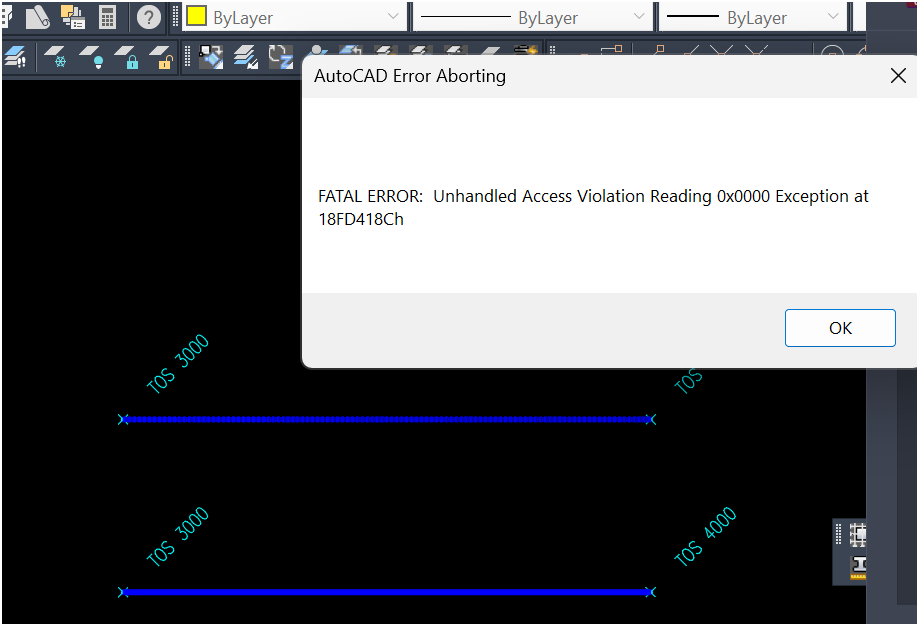
| Card 964 View | 3D Modeling (AutoCAD Based) | Check Elevation | None | Fatal Error | When attempting to use the Check Elevation tool, you get a fatal error
|
|
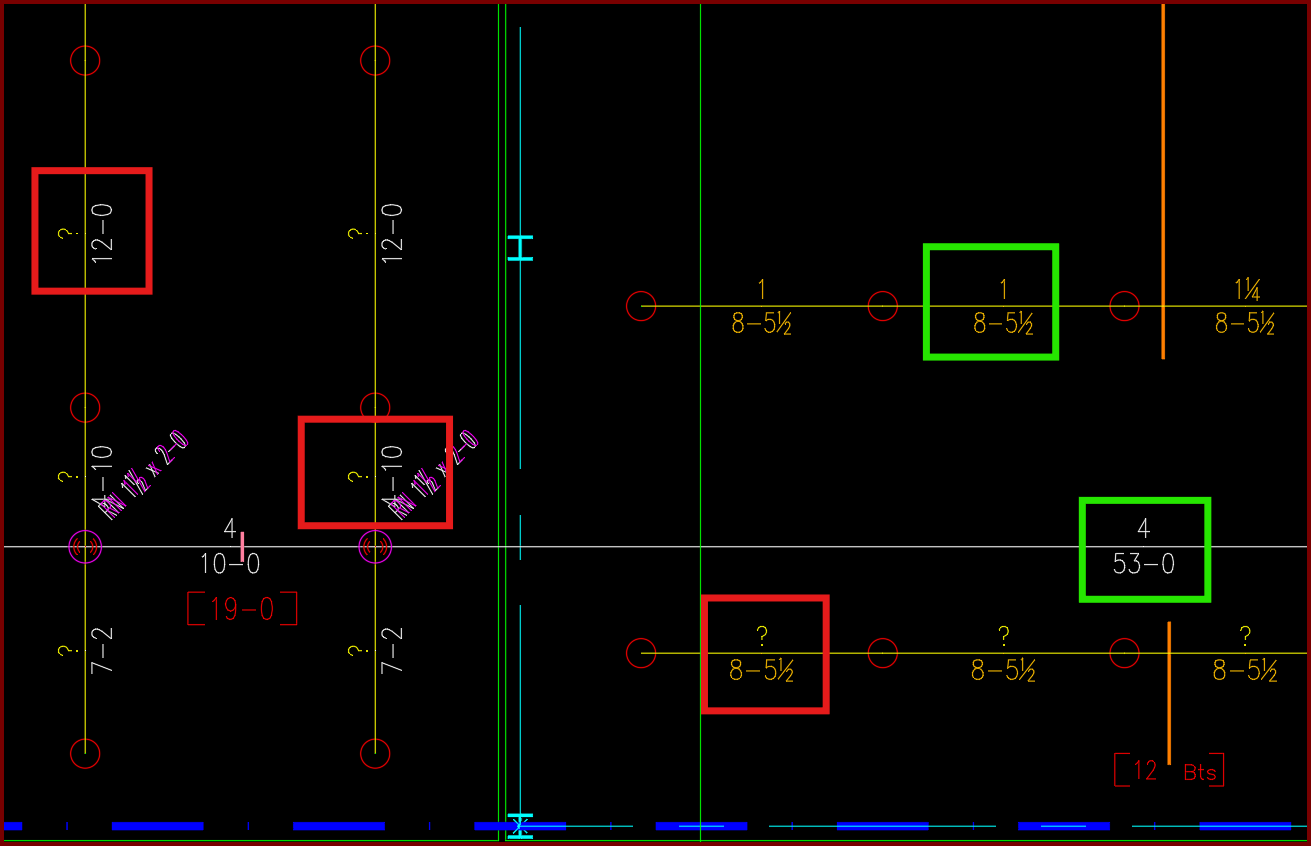
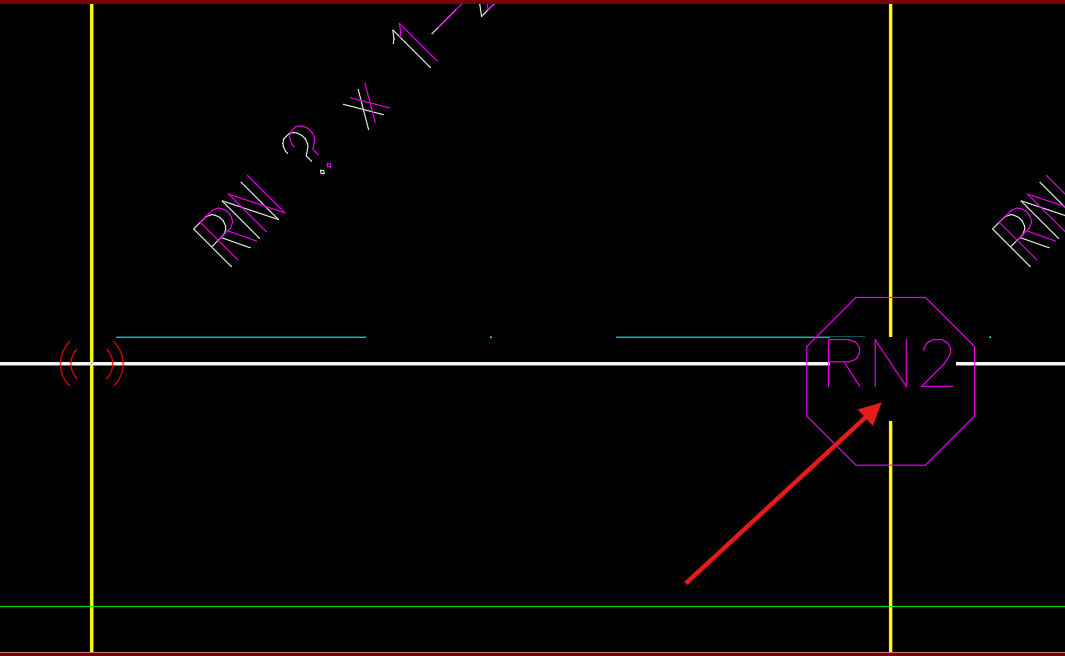
| Card 1440 View | Piping (AutoCAD Based) | Sizing Cleanup Tools | None | Other | Have AutoCAD select a group of pipe dimension blocks with a specific diameter or length. In this example I want to find and delete all diameters with a ?" as its value.
|
|
| Card 550 View | Collaborate (AutoCAD Based) | Revit Toolkit | Retrieve Content | None | Retrieve HydratecRevitContent is missing from the Add-Ins - Hydratec pulldown menu in Revit
|
|
| Card 1448 View | Display (AutoCAD Based) | None | None | None | Changing the characteristics of wipeouts. Change the transparency of the wipeout mask from zero to 50%, or remove the wipeout completely. 0% TRANSPARENCY
50% TRANSPARENCY
DELETED WIPEOUT MASK
|
|
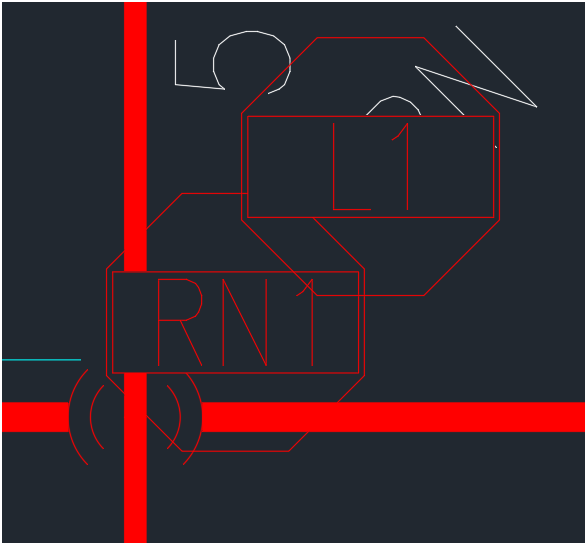
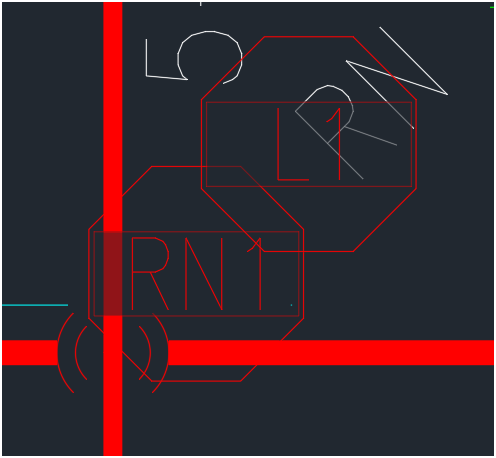
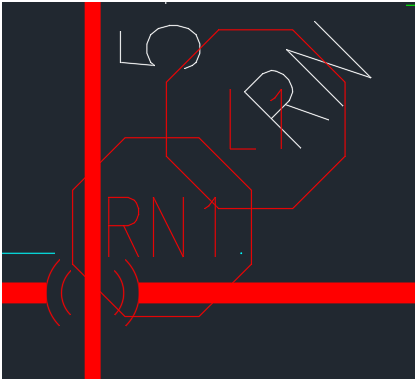
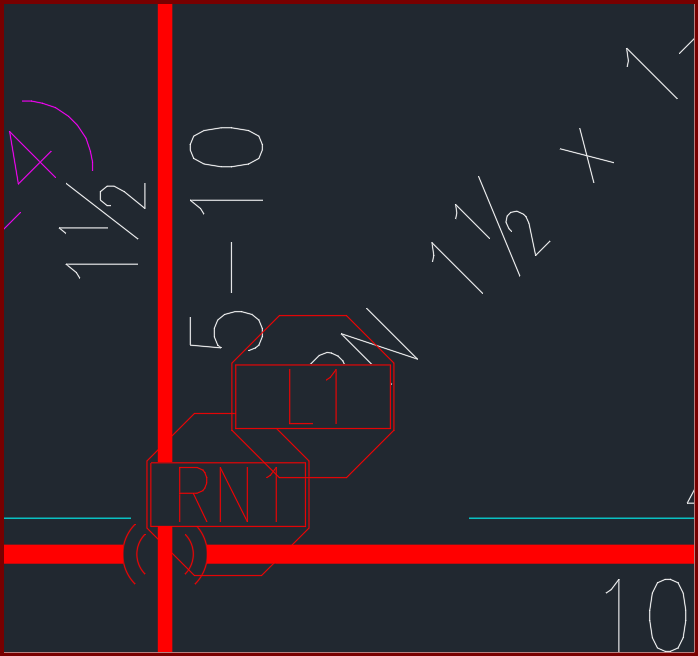
| Card 1346 View | Display (AutoCAD Based) | None | None | None | Blocks with wipeouts are showing the wipeout rectangle
|
|
| Card 1397 View | HydraTools (AutoCAD Based) | Wipeout | None | None | Turn off Wipeout frames was selected (WIPEOUTFRAME = 0) but the drawing still has wipeouts
|
|
| Card 1396 View | Listing (AutoCAD Based) | New Tag | None | Invalid Color Number | When inserting a listing tag on a pipe, you get the error, "Invalid color number"
|
|
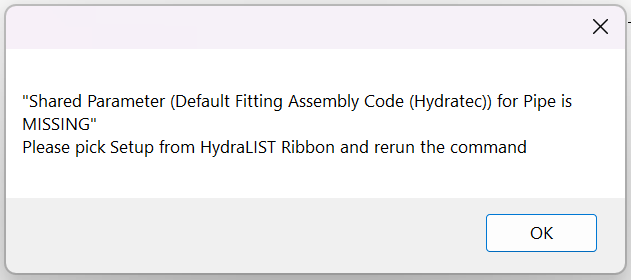
| Card 1439 View | HydraLIST (Revit Based) | Auto Stocklist | None | None | Shared Parameter (Default Fitting Assembly Code (Hydratec)) for Pipe is MISSING
|
|
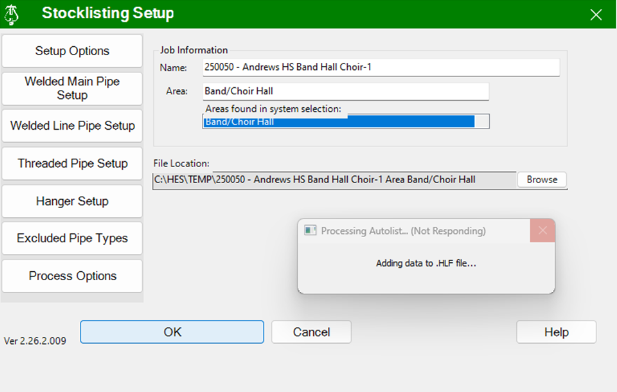
| Card 1447 View | HydraLIST (Revit Based) | Auto Stocklist | None | None | Auto Stocklist hangs / freezes without a stocklist shown, or displays this error:
|
|
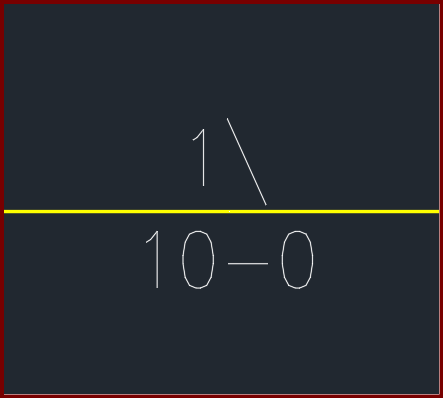
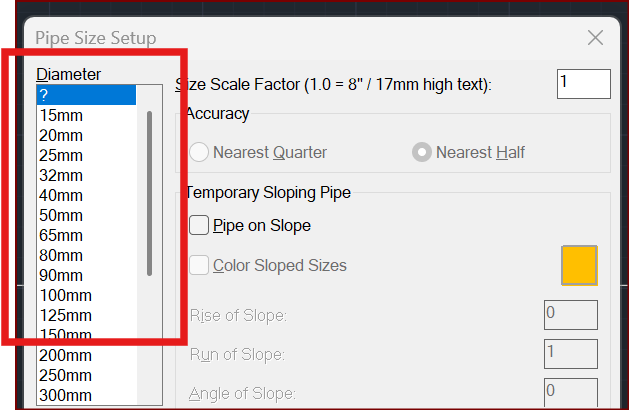
| Card 1431 View | Piping (AutoCAD Based) | Size Pipe Setup | None | None | When trying to size a pipe, the units show up as millimetres/millimeters (mm) instead of inches OR the values for half show up as a backslash
|
|