AutoCAD Based Cards
Total: 726
* On smaller devices swipe left to view hidden table data
| Ribbon/Toolbar (Software) | Button | Function | Error Type | Description | ||
|---|---|---|---|---|---|---|
| Ribbon/Toolbar (Software) | Button | Function | Error Type | Description | ||
| Card 51 View | Calculations (AutoCAD Based) | Start Autocalcs | Calc Area # | None | Water supply test point not connected to a pipe. Reinsert water supply\test point |
|
| Card 81 View | Calculations (AutoCAD Based) | 3-D Flow Diagram | None | None | 3D Flow diagram missing direction arrows and flows |
|
| Card 56 View | Calculations (AutoCAD Based) | Start Autocalcs | Calc Area # | None | After calc Area # is picked, dialog box runs through gathering information and closes with message "Failed to create file to send to calcs....Exiting" |
|
| Card 61 View | Calculations (AutoCAD Based) | Start Autocalcs | None | Runtime Error | Runtime Error 457 - This key already associated with an element of this collection |
|
| Card 42 View | Calculations (AutoCAD Based) | Start Autocalcs | None | None | "Hydraulic Engine not responding" and then an "Error 62 input past end of file" usually happens on 2nd area run through |
|
| Card 63 View | Calculations (AutoCAD Based) | Start Autocalcs | None | Unhandled Exception | Unhandled Exception: Index was outside the bounds of the array |
|
| Card 143 View | Calculations (AutoCAD Based) | Start Autocalcs | None | None | x Zero length pipes found in system model YES will cancel... No will allow... |
|
| Card 62 View | Calculations (AutoCAD Based) | Start Autocalcs | None | None | Area # section is blank or missing remote areas in the AutoCalc Setup dialog box. Area number is not recognized |
|
| Card 133 View | Calculations (AutoCAD Based) | Start Autocalcs | None | None | The specified remote node does not have a k-factor. Please fix your input. On Pass 1 Calculation Failed for an unknown reason. |
|
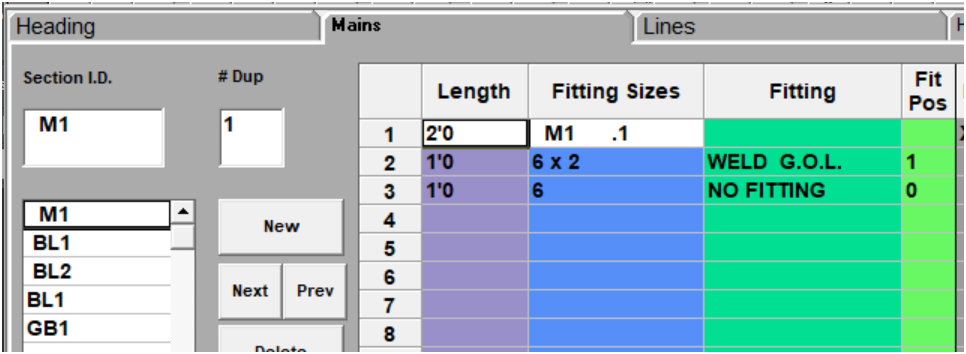
| Card 1446 View | Build 3D Risers (AutoCAD Based) | Insert Fitting Via HydraList | None | None | Trying to insert a fabricated pipe via HydraLIST doesn't show any outlets, ski poles, etc. As shown in HydraLIST;
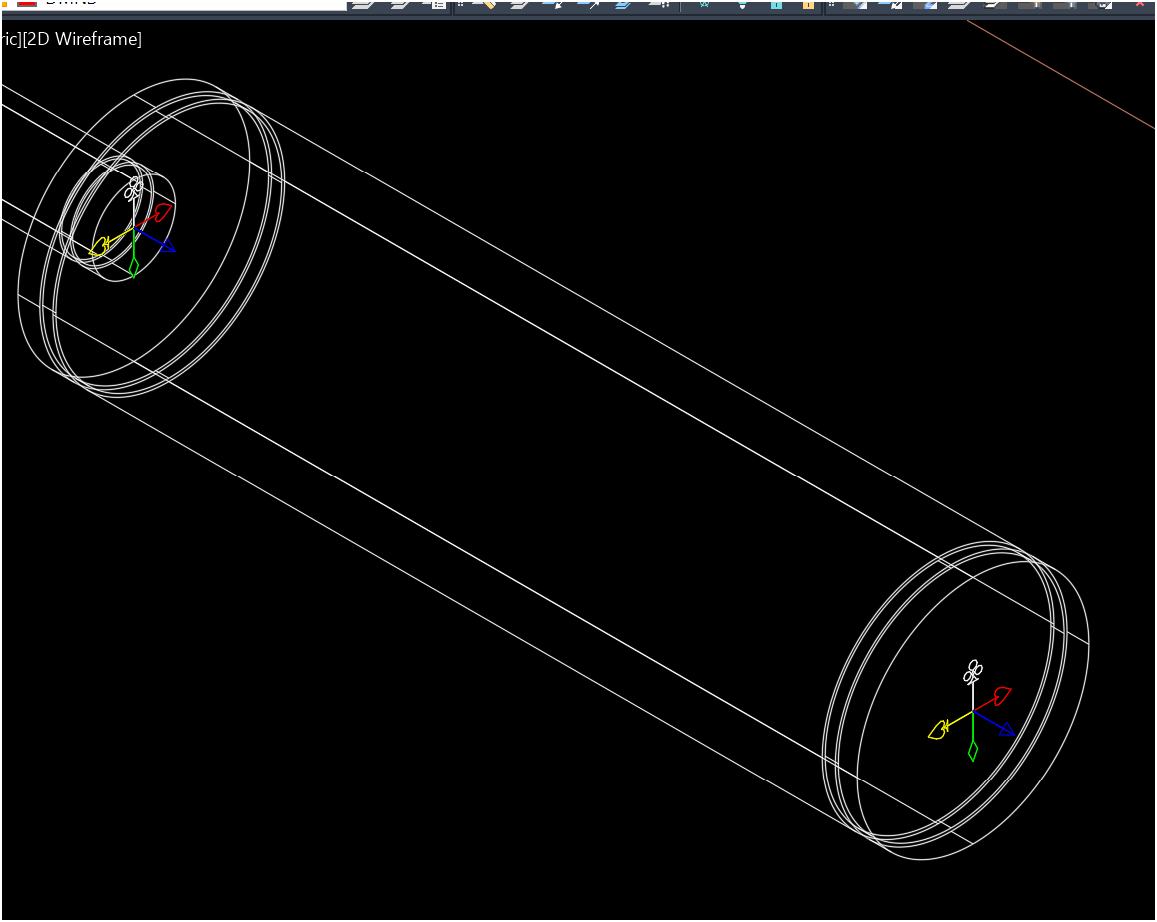
Inserted into HydraCAD;
Note, no GOL is shown. |
|