Advanced Search
Total results: 1338
* On smaller devices swipe left to view hidden table data
| Ribbon/Toolbar (software) | Button | Function | Error Type | Description | ||
|---|---|---|---|---|---|---|
| Ribbon/Toolbar (software) | Button | Function | Error Type | Description | ||
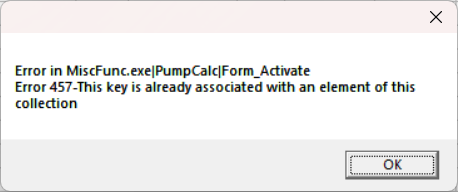
| Card 627 View | HydraCALC (AutoCAD Based) | Calculate | None | Runtime Error | Error in MiscFunc.exe|PumpCalc|Form_Activate Error 457-This key is already associated with an element of this collection
The error may also be a Runtime Error instead |
|
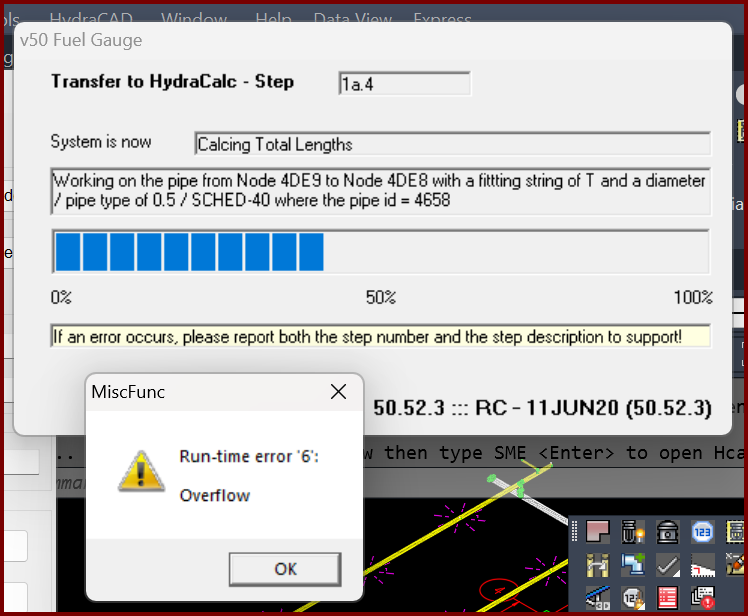
| Card 1399 View | Calculations (AutoCAD Based) | Start Autocalcs | None | Runtime 6 | When starting AutoCALC the v50 Fuel Gauge stops at step 1a.4 plus you get a Run-time error 6; Overflow
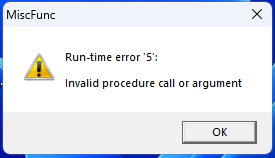
Working on pipe from Node ### to Node ### with a fitting of "?" and a diameter of / pipe type of 0.5 / SCHED-40 where the pipe id = ### The "####" values represent handles. It is recommended you use the FINDME tool to find the coordinates of the handles, this will help narrow down the cause of the error. May also see a Runtime Error 5, "invalid procedure" |
|
| Card 125 View | Calculations (AutoCAD Based) | Tyco FDT | None | Runtime 53 | After entering coversheet data for the Tyco Fluid Delivery Calc, an error message of; Miscfunc Run-time error '53' File not found *.tych |
|
| Card 736 View | HydraLIST (Standalone) | Process | None | Runtime Error | Missing install path in the registry runtime error 48 48 |
|
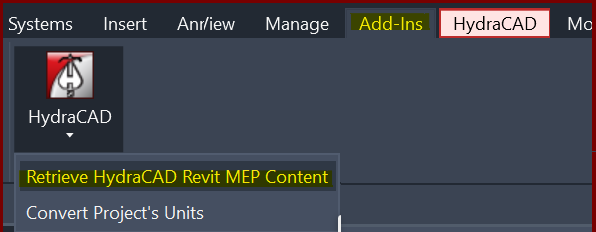
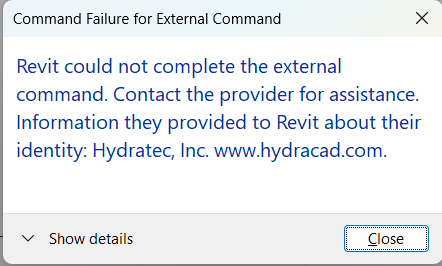
| Card 1418 View | Collaborate (AutoCAD Based) | Create Revit Mep Link To System Model | None | Revit Could Not Complete The External Command. | When Retrieving MEP content an error occurs. This is caused by a bad heads in the HydraCAD for AutoCAD project.
Command Failure for External Command
|
|
| Card 1353 View | Sprinklers (AutoCAD Based) | Select Sprinkler | Head Selector | None | Blacked out cells in Head Selector dialog
|
|
| Card 1415 View | HydraCALC (Revit Based) | Hydraulic Calculations | Continue | None | Calc process stops at step 1a.4 and Runtime Error 5 displays
|
|
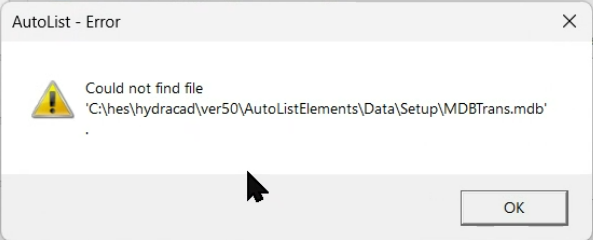
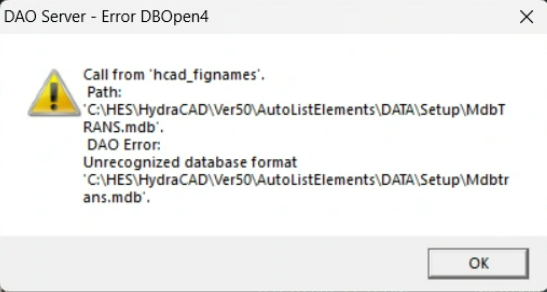
| Card 1412 View | HydraLIST (Revit Based) | Auto Stocklist | None | Autolist – Error | Could not find file, or Unrecognized database format 'C:\HES\HydraCAD\Ver50\AutoListElements\Data\Setup\mdbtrans.mdb'
|
|
| Card 1414 View | HydraCAD (Revit Based) | Add Device | Opening | None | When trying to open Add Device, nothing happens and Revit just hangs up / appears frozen. |
|
| Card 1413 View | All (Revit Based) | Setup | None | None | No error, but after clicking Setup, Revit freezes / stops working, and nothing else is able to be selected. |
|