Advanced Search
Total results: 1338
* On smaller devices swipe left to view hidden table data
| Ribbon/Toolbar (software) | Button | Function | Error Type | Description | ||
|---|---|---|---|---|---|---|
| Ribbon/Toolbar (software) | Button | Function | Error Type | Description | ||
| Card 979 View | HydraCALC (Standalone) | Calculate | Calculation Results | System Is -Nan(Ind) Psi | After calculating the system, the results show, "Your System Has a Deficit" System is -nan(ind) psi over the Water Supply Curve
|
|
| Card 1196 View | HydraLIST (Standalone) | Process | Print Reports | None | While trying to process a job you get this error;
Processing Reports, Writing .HLPF file > Total page count: 1 The VSPrinter control is emptly (no document to translate). Please close the PDF file before processing |
|
| Card 1217 View | HydraLIST (Standalone) | Open | Opening | None | When opening HydraVIEW as stand-alone, via HydraCALC or via HydraLIST, nothing happens. 1. Its icon is NOT in the taskbar 2. HydraVIEW is running in the Windows Task Manager; "Viewer compatible with Win 2000 & HydraLIST and HydraCALC - Contains Print Previewer (32 bit)"
|
|
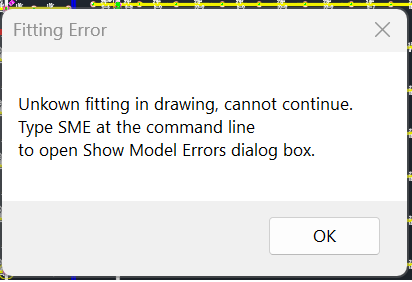
| Card 41 View | Calculations (AutoCAD Based) | Start Autocalcs | None | None | Unkown (sic) Unknown fitting in drawing, cannot continue Type SME at the command line to open 'Show Model Errors' dialog box
|
|
| Card 48 View | HydraCALC (Standalone) | Calculate | None | Runtime Error | Runtime error 70 permission denied
|
|
| Card 1425 View | HydraCAD (Revit Based) | Cleanup Tags | None | None | When trying to use Cleanup Tags, this error appears and nothing else happens (i.e. the tags were not cleaned up)
|
|
| Card 457 View | Launching HydraCAD (AutoCAD Based) | None | None | None | Bad update. These Files are missing system folder dependencies of HydexVB64 or HydexVB3: MFC100u.dll MSVCR100.dll MSVCP100.dll Because of this, no pass can be given nor does security work on any product. (64-bit products may work while 32-bit products don't or vice versa) Opening |
|
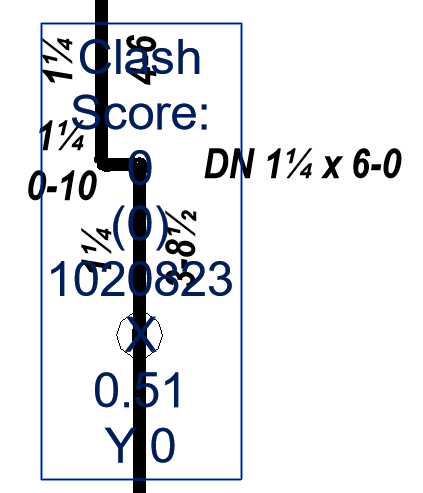
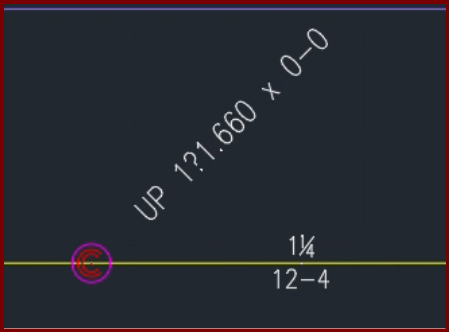
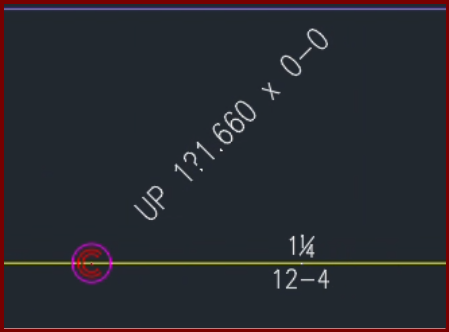
| Card 1424 View | Riser Nipples (AutoCAD Based) | None | None | None | When inserting a vertical pipe/riser nipple with a fraction in the diameter you get atypical results
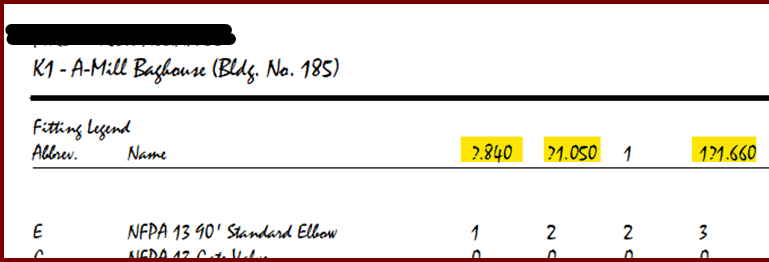
The fonts for fraction symbols ¼ (quarter), ½ (half), or ¾ (three-quarters) are replaced with ?.840, ?1.050, and ?1.660 |
|
| Card 1423 View | HydraCALC (Standalone) | Print Final | None | When printing a final calculation, the font doesn't show fraction symbols for ¼ (quarter), ½ (half), or ¾ (three-quarters) They're replaced with ?.840, ?1.050, and ?1.660
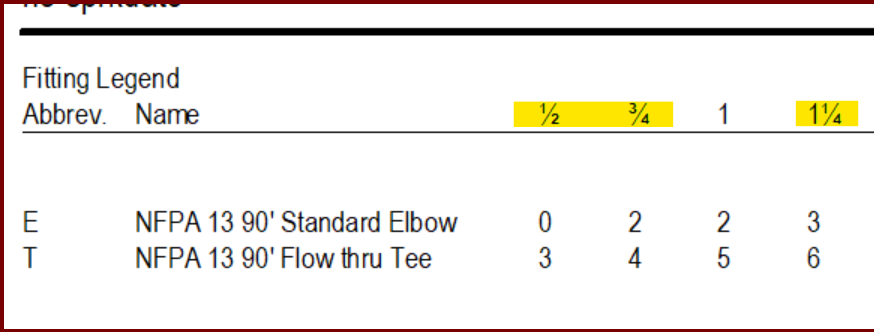
These should look like this;
Of note, if using HydraCAD for AutoCAD, you get similar results on riser nipples/vertical pipes
|
||
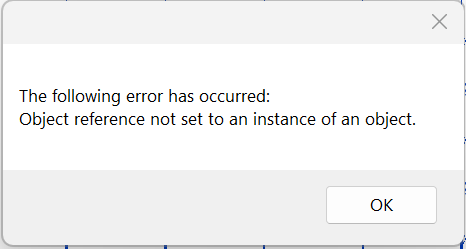
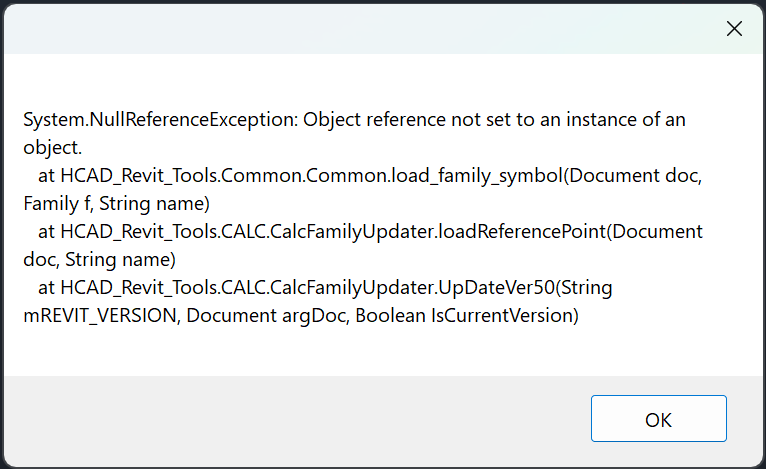
| Card 1422 View | HydraCALC (Revit Based) | All Ref Points | None | System.Nullreferenceexception: | When trying to add reference points, none are added and this error shows:
|
|