Need to save a card for later?
Create a bookmark folder in your browser of choice (Chrome, Firefox...), and save individual cards in your bookmarks to view here later.

Revit Based HydraCAD (Ribbon/Toolbar/Location)
Description:
When trying to use the Hangers tool, and insert a Brace, it only allows for a single brace to be added.
It doesn't allow for continuous insertion as intended.
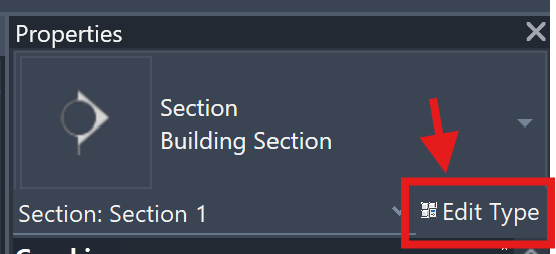
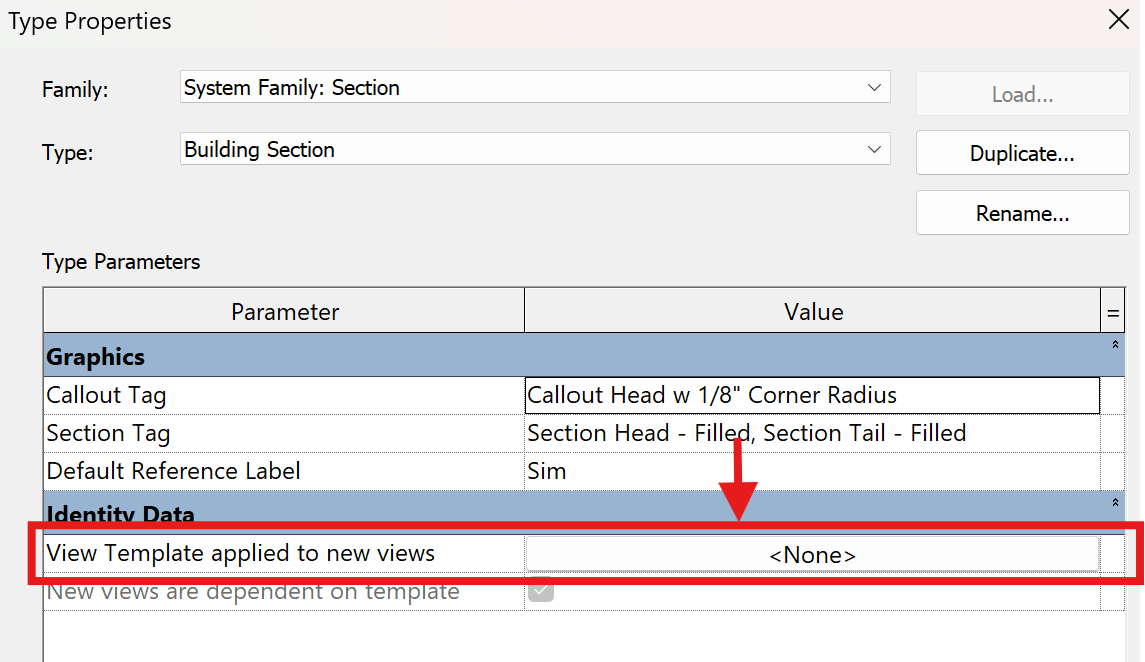
A setting in the Properties of a Section view is causing the Braces to not be inserted properly.
A program update will be released to fix this issue (version 27.1.002 or higher), but in the meantime, there is a workaround: