Need to save a card for later?
Create a bookmark folder in your browser of choice (Chrome, Firefox...), and save individual cards in your bookmarks to view here later.

AutoCAD Based 3D Modeling (Ribbon/Toolbar/Location)
Description:
When raising to 3D, you get the error message, "Error loading the Error GUI has occurred. How ironic."
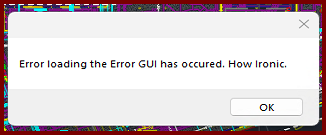
The drawing will raise to 3D, but you won't see the error dialog window.
Trying the Show Model Errors command (SME) produces the same error
AutoCAD 2025/2026 was updated to 2026.1.2 or 2025.1.4
What not to do?
What to do?
OR
This does NOT work:
Autodesk says they provide an option to download the original/pre-updated version.
1. Select 'Specific Version'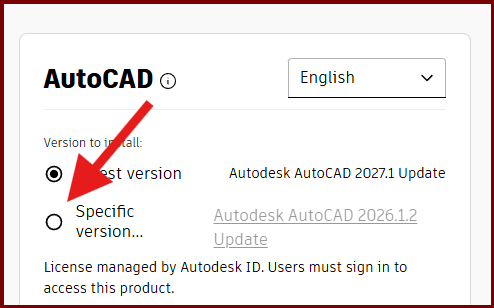
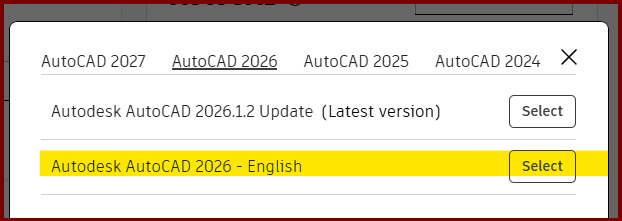
After installing "the old" version, upon opening AutoCAD, it still showed 2026.1.2
Thanks for trying Vasyl D