Need to save a card for later?
Create a bookmark folder in your browser of choice (Chrome, Firefox...), and save individual cards in your bookmarks to view here later.

AutoCAD Based Display (Ribbon/Toolbar/Location)
Description:
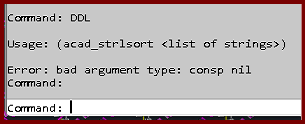
Trying the DDL command gives the error;
Usage: (acad_strlsort <list of strings>)
Error bad argument type: consp nil
AutoCAD 2025/2026 was updated to 2025.1.4 or 2026.1.2
What not to do?
What to do?
This does NOT work:
Autodesk says they provide an option to download the original/pre-updated version.
1. Select 'Specific Version'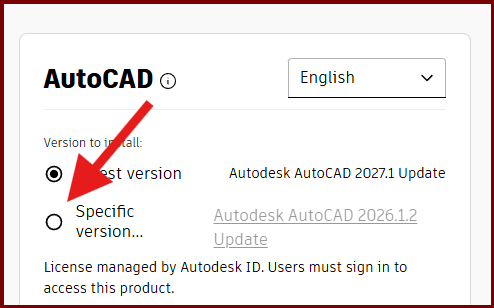
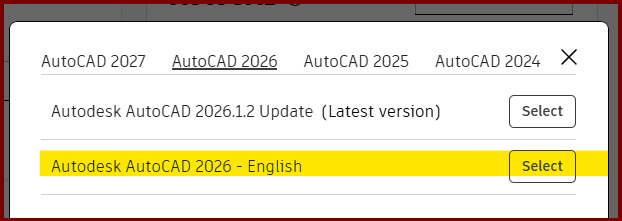
After installing "the old" version, upon opening AutoCAD, it still showed 2026.1.2
Thanks for trying Vasyl D