Need to save a card for later?
Create a bookmark folder in your browser of choice (Chrome, Firefox...), and save individual cards in your bookmarks to view here later.

AutoCAD Based Hangers (Ribbon/Toolbar/Location)
Description:
Error Finding Hanger Information when generating 3D Hangers
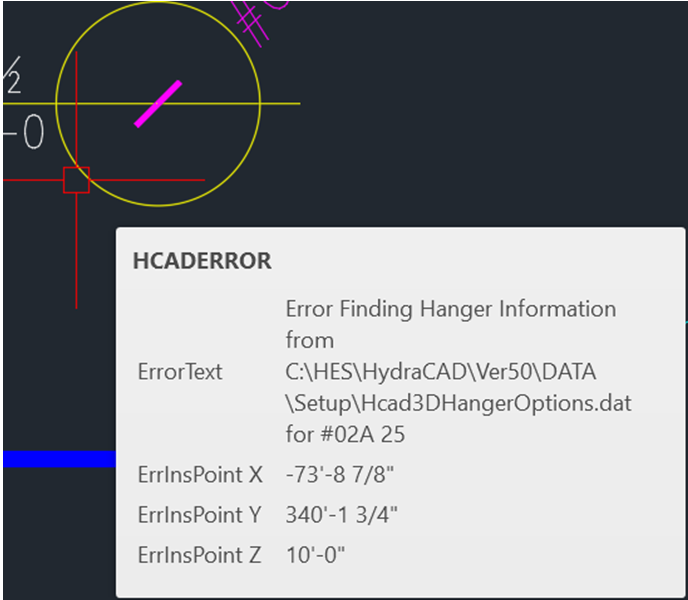
Hanger type customer used does not have an entry in the data file which is used to draw such hangers.
Data file is referred to in the error message and is \HES\HydraCAD\Ver50\Data\Setup\Hcad3DHangerOptions.dat
Edit the aforementioned file and add in data for hanger type in question.
This blog post gives the instructions on how to do such: Having Additional Hanger Types Modeled in 3D