Need to save a card for later?
Create a bookmark folder in your browser of choice (Chrome, Firefox...), and save individual cards in your bookmarks to view here later.

Revit Based HydraLIST (Ribbon/Toolbar/Location)
Description:
When selecting Tag Direction the error. "HydraLIST Tag Setup Errors!" box appears.
There are Ids, pipe types, or Section Start Points that are invalid.
Follow the direction in the listed error box.
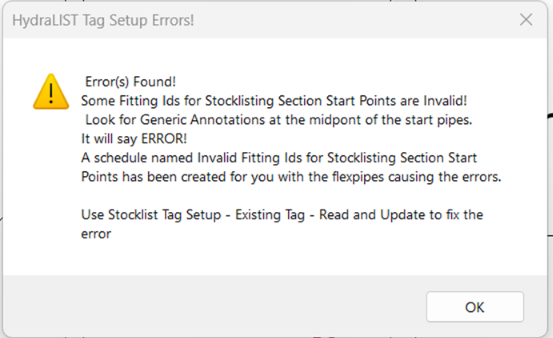
1. In the Created Schedule "Invalid Fitting Ids"
2. If and Annotation call "ERROR" was created in the project.
3. Use Stocklist Tag Setup - Existing Tag - Read and Update to fix the error
4.You can now go back to listing as you would have. By using Tag Direction.