Need to save a card for later?
Create a bookmark folder in your browser of choice (Chrome, Firefox...), and save individual cards in your bookmarks to view here later.

Website Portal (Ribbon/Toolbar/Location)
Description:
When trying to sign-in to the Hydratec Portal after Confirming your account and entering a password, this error appears when trying to sign in.
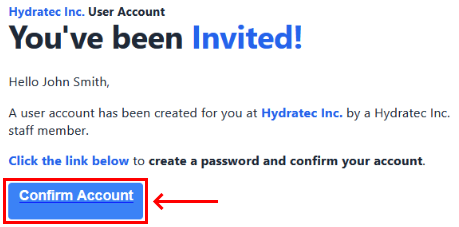
Despite clicking Confirm Account on the Invitation email, and setting up an account and password, an account was never actually created.

This is caused by security or networking settings blocking Hydratec's cloud services
Contact your company's IT department and request api.hydratecinc.com to be whitelisted.
If you need more information, please contact us at: Support@HydraCAD.com