
AutoCAD Based Cards
Total: 727
* On smaller devices swipe left to view hidden table data
| Ribbon/Toolbar (Software) | Button | Function | Error Type | Description | ||
|---|---|---|---|---|---|---|
| Ribbon/Toolbar (Software) | Button | Function | Error Type | Description | ||
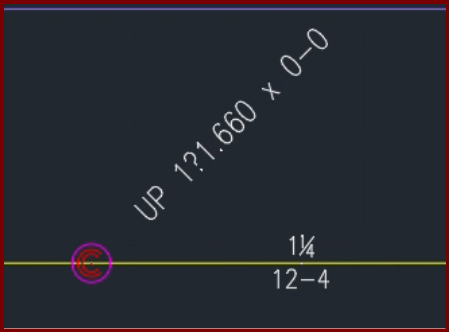
| Card 1424 View | Riser Nipples (AutoCAD Based) | None | None | None | When inserting a vertical pipe/riser nipple with a fraction in the diameter you get atypical results
The fonts for fraction symbols ¼ (quarter), ½ (half), or ¾ (three-quarters) are replaced with ?.840, ?1.050, and ?1.660 |
|
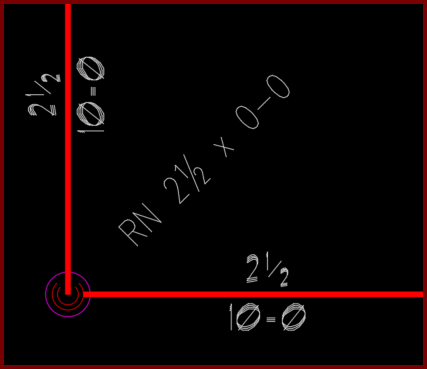
| Card 1404 View | Riser Nipples (AutoCAD Based) | None | None | None | The font of your vertical pipes do not match the font of your pipe dimensions
|
|
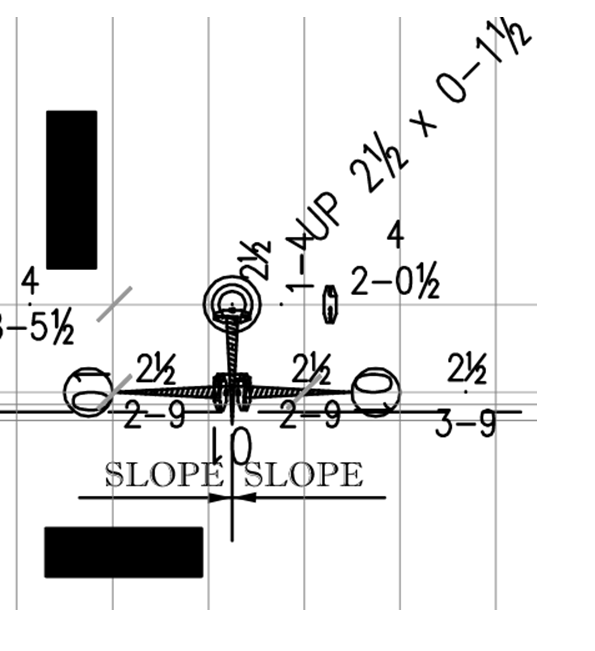
| Card 1301 View | Riser Nipples (AutoCAD Based) | Edit Riser Nipples | None | Other | When selecting a vertical pipe/riser nipple hydrapipe, the PROPERTIES window shows "no selection" instead of "hydrapipe"
You may notice that you cannot use the 'change length' command (CL) or cannot rotate riser nipple (RRT)
|
|
| Card 1174 View | Riser Nipples (AutoCAD Based) | Riser Nipple Type | None | Other | After editing riser nipples/vertical pipes with the CRN command, the indicator diamonds reappear
Even if you restart the command and cancel, they remain
|
|
| Card 1101 View | Riser Nipples (AutoCAD Based) | Edit Riser Nipples | Change Riser Nipple Type | None | Glyphs used to indicate the component type (Line/Main/Armover/Underground) that riser nipples are to be listed as remain on drawing even after command is closed |
|
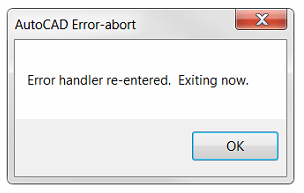
| Card 1212 View | Ribbon Click (AutoCAD Based) | None | None | Fatal Error | Selecting any button from the AutoCAD ribbon creates the fatal error. Typing or using a toolbar does not create the error. AutoCAD Error Aborting FATAL ERROR: Unhandled e0434352h Exception at 6C6CCF19h
Sometimes followed by; The program is missing Tool Palettes and Ribbons. |
|
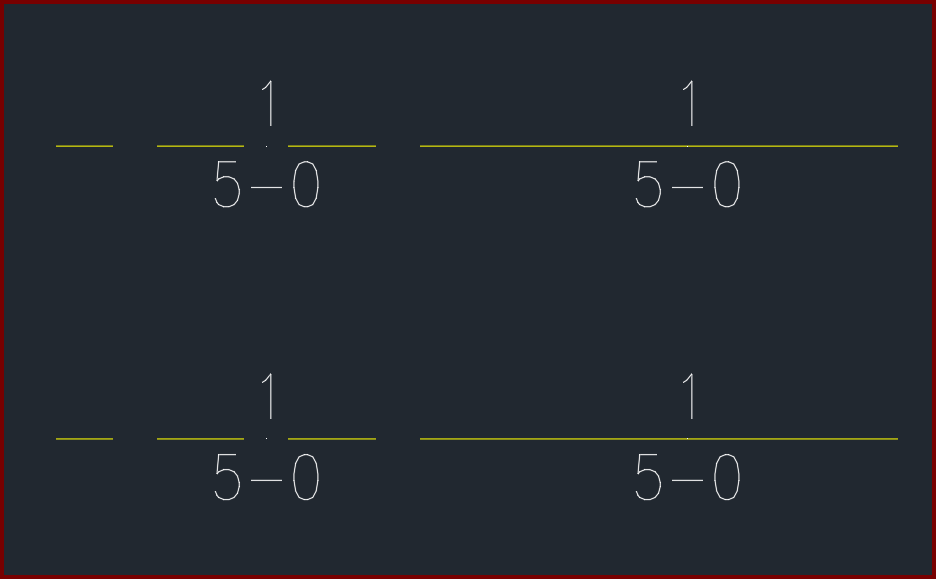
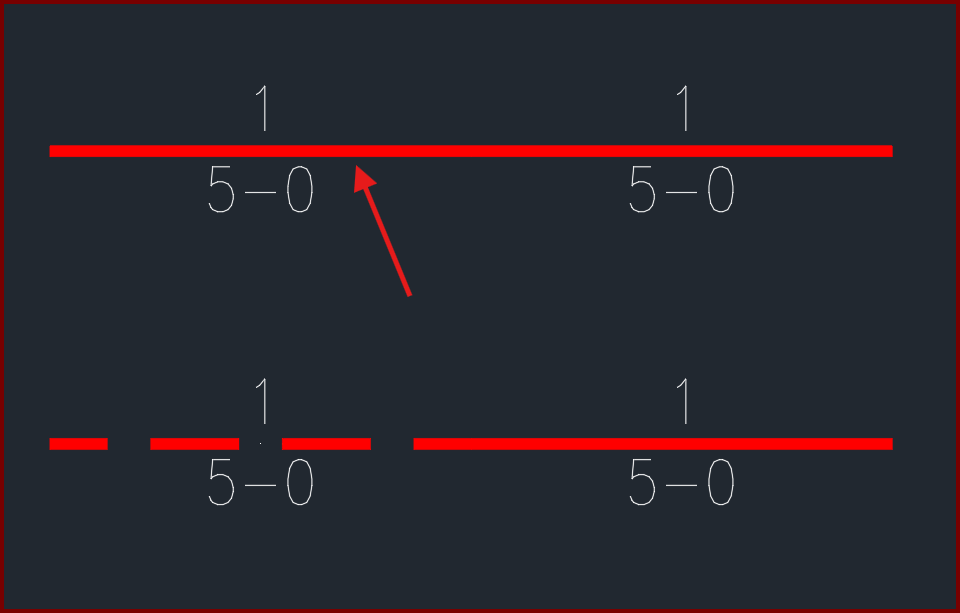
| Card 1436 View | Pretty Pipes (AutoCAD Based) | None | None | None | After setting specific linetypes for your piping, pretty pipes doesn't match the linetype of your pipe.
The pipe noted should show a HIDDEN pretty pipe, similar to the one below it
|
|
| Card 1407 View | Plot (AutoCAD Based) | Plot | None | None | When plotting to Bluebeam document, some HydraCAD drawing entities show up blacked out. AutoCAD view;
PDF generated by Bluebeam;
|
|
| Card 1285 View | Plot (AutoCAD Based) | Plot | None | Missing Pipe | When using 'Publish selected layouts' or doing a batch plot in AutoCAD 2024, the riser nipple/vertial pipe does not display correctly. It'll either be missing outright or a proxy bounding box will be in its place. If you plot a single sheet, it works fine.
AutoCAD 2024 batch plot
AutoCAD 2024 single plot
|
|
| Card 1197 View | Plot (AutoCAD Based) | Plot | None | None | When plotting two viewports, one with center-to-center lengths, and the other with cut lenghts, the riser nipples/vertical pipes will show both, even if your layout tab looks fine. LAYOUT TAB
PLOT PREVIEW
|
|




 '
'

