Need to save a card for later?
Create a bookmark folder in your browser of choice (Chrome, Firefox...), and save individual cards in your bookmarks to view here later.

Revit Based HydraCAD (Ribbon/Toolbar/Location)
Description:
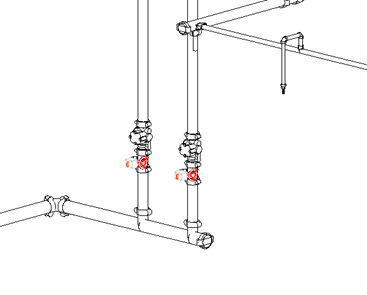
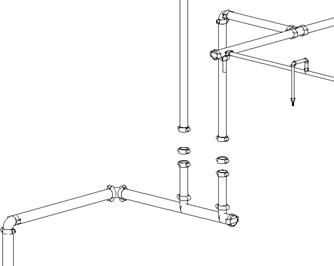
After inserting a valve, it does not appear in the 3D view. There is blank space where the valves should be.
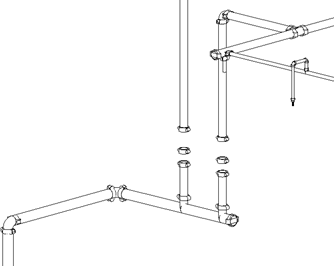
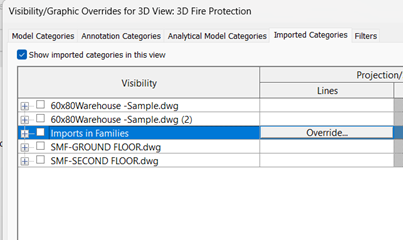
Imports in Families under View > Visibility / Graphics > Imported Categories tab is unchecked. Since our valves include 3D ACAD graphics, turning off Imports in Families hides those valves.
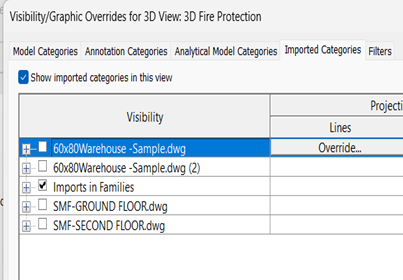
Select the View Ribbon, and navigate to: Visibility / Graphics > Imported Categories tab. Make sure Imports in Families is Checked. This should enable the valves to appear in the 3D view again.