Need to save a card for later?
Create a bookmark folder in your browser of choice (Chrome, Firefox...), and save individual cards in your bookmarks to view here later.

AutoCAD Based Standard (Ribbon/Toolbar/Location)
Description:
Customer reports that when trying to move an object by exposing the grips, the process takes a very long time and almost seems like AutoCAD freezes.
"Clicking blocks and dragging by node, doing pipe sizings, etc..."
Hundreds, if not thousands of unreferenced PNG files in the File Reference list
Note how the same image file is being referenced, but the last 10 characters are unique hex codes making it want to load a separate file
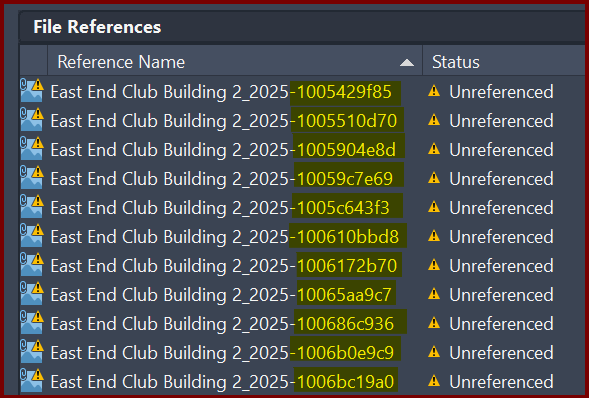

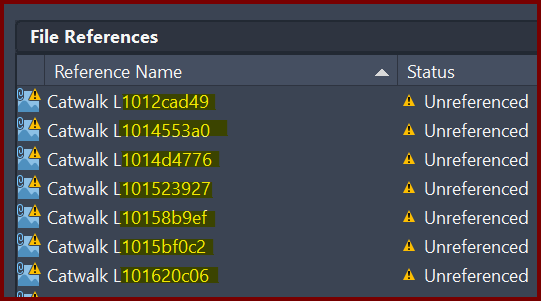
This is not a HydraCAD issue, this is an AutoCAD issue with your drawing and a PDF you've imported.
Unknown solution at this time but likely due to breaking up the PDF into individual drawing elements rather than keeping the PDF as a single entity.
Note how this "7" should be either text or a block, but it's showing up as two polylines in layer PDF4_Geometry
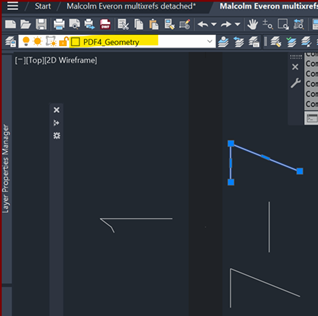
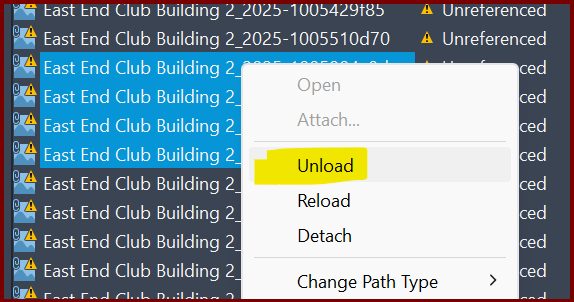
See if you can UNLOAD the xrefs from your drawing, however this process can be time consuming especially if you have hundreds of repeated objects on your drawing.
Then type OP<enter>, go to Open and Save, and "mess around" with the settings under ObjectARX Applications to see if you can have the drawing no longer try to reference these files
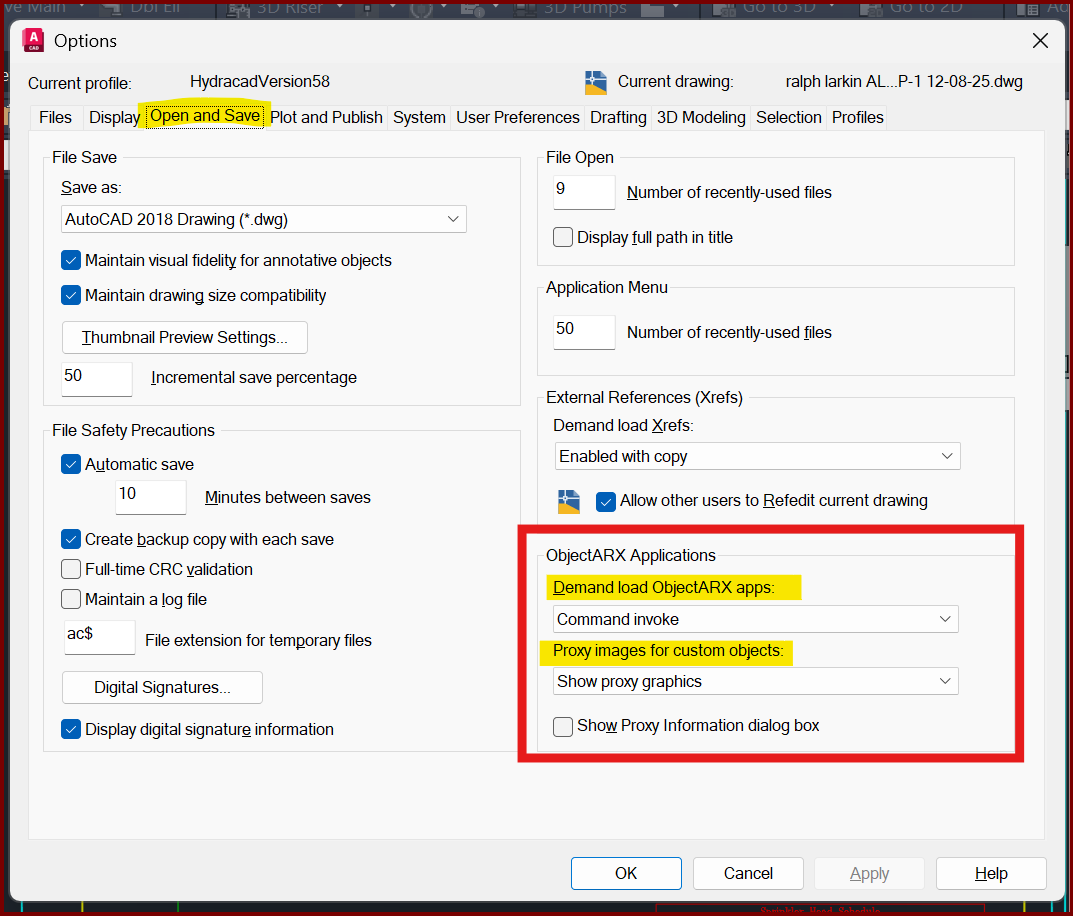
If you find a method to quickly unload unreferenced .PNG files from a drawing, please let us know as this helps everyone with a quick solution, please mention this HydraCARD
Set AUTOPLACEMENT value to 0
AUTOPLACEMENT (System Variable)
Controls whether placement suggestions are displayed as you insert a block.
Value Description
0 Disables placement suggestions during block insertion.
1 Enables placement suggestions during block insertion.
Other usual suspects are;
1. Turn the computer off and
on again, or at the very least close AutoCAD and reopen it
2. Move the drawing you’re
working with to the local hard drive and not on the cloud or a networked
location to see if it makes a difference
3. Disable anti-virus or at least ‘real time scanning’ to see if it makes a difference
4. Make sure you have all the
proper AutoCAD service packs to make sure it’s up-to-date